All Features
16 tools. One extension.
Everything a developer or designer needs to inspect, capture, analyze, and debug any website — without switching tabs. Each tool is designed to fit directly into your workflow, so you can move from CSS inspection to screenshot capture to API testing without losing context or leaving the page you're working on.
Element Inspector
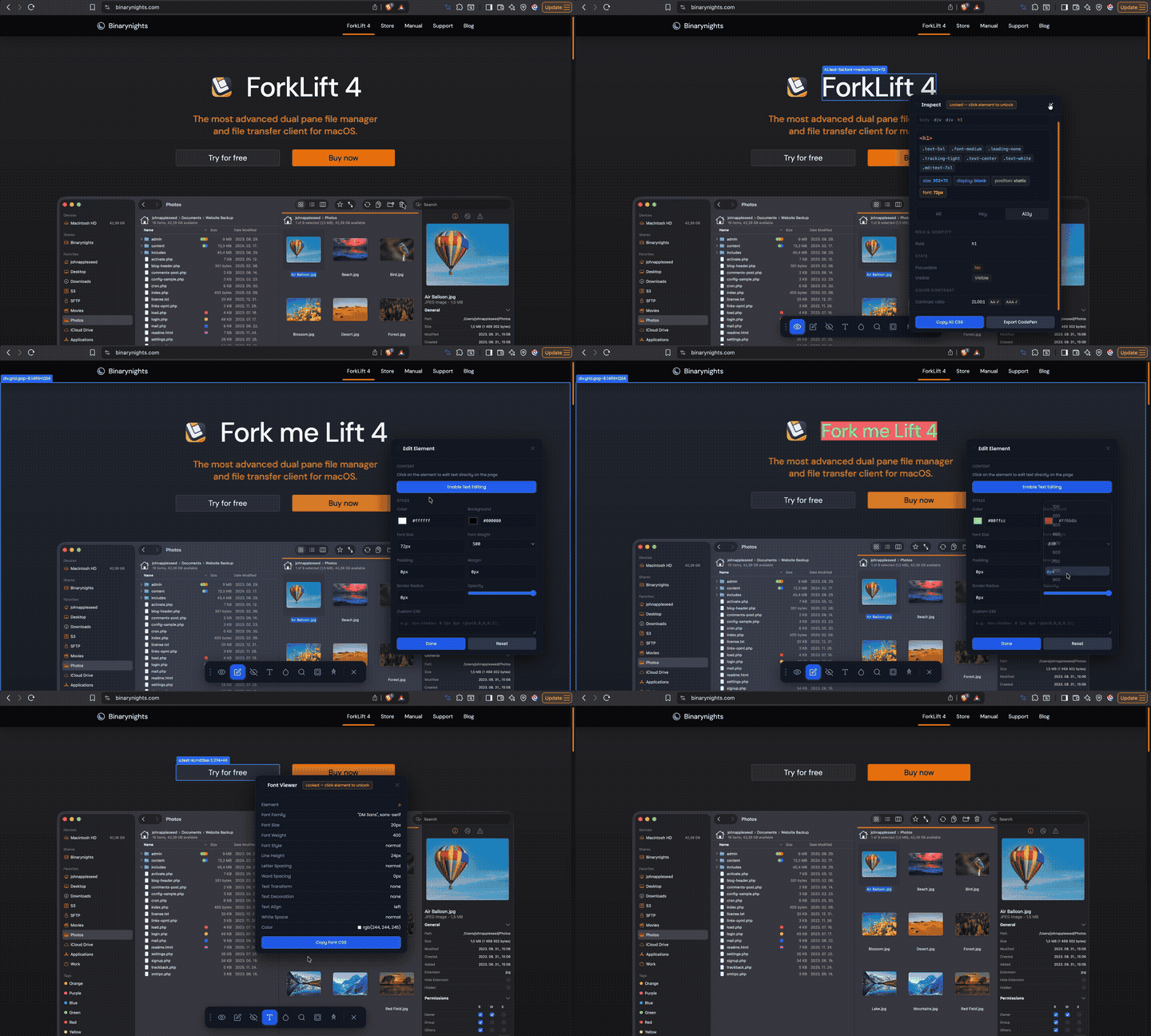
01Hover over any element to instantly inspect it. Edit CSS properties live in the browser, view the full box model (margin, padding, border), explore typography details, search the DOM, and export your work directly to CodePen.
What you can do
Color Eyedropper
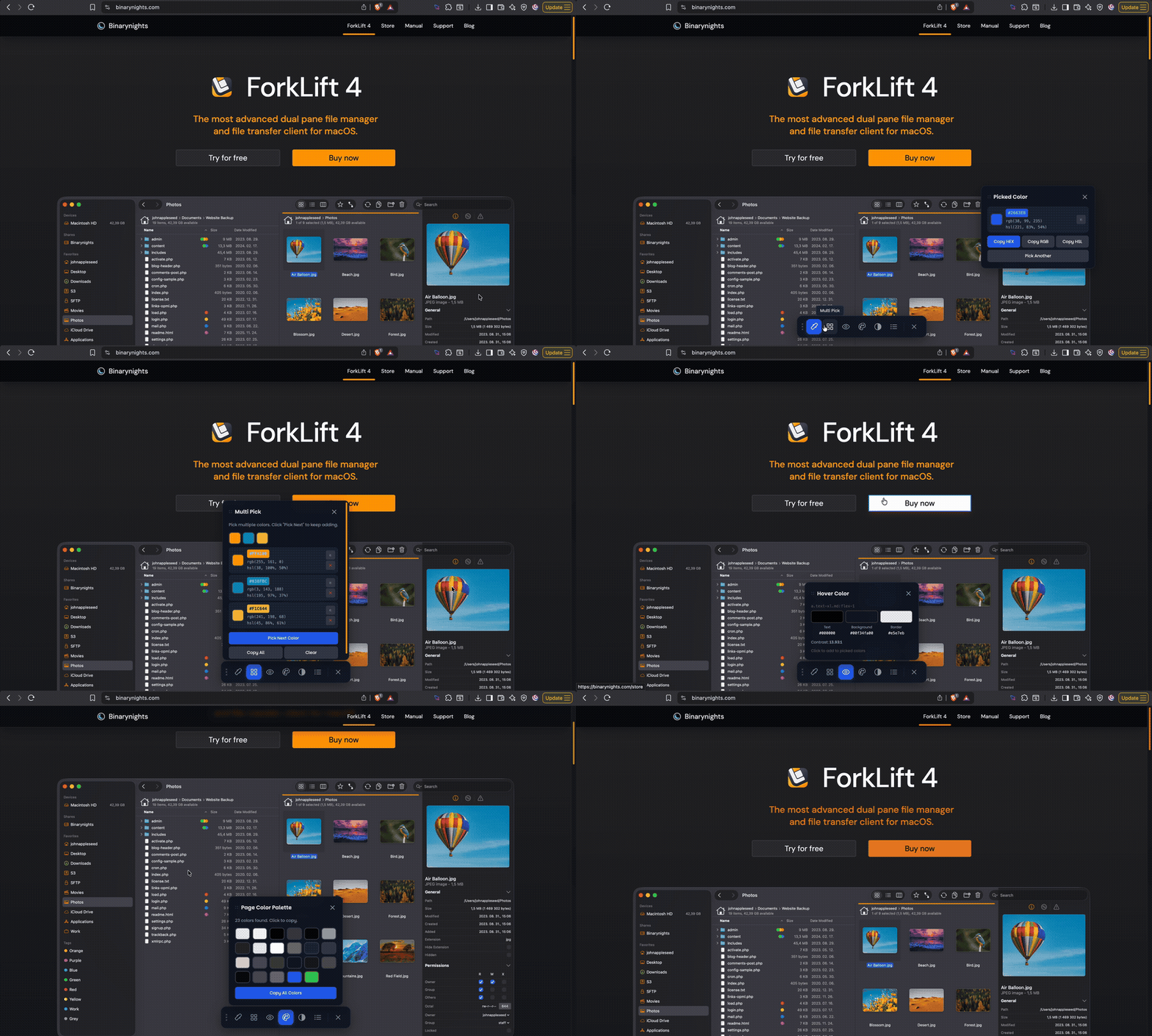
02Pick any color from any webpage pixel. Multi-pick multiple colors at once, extract the full color palette of any page, hover to inspect colors live, and check WCAG accessibility contrast ratios instantly.
What you can do
Screenshot & Record
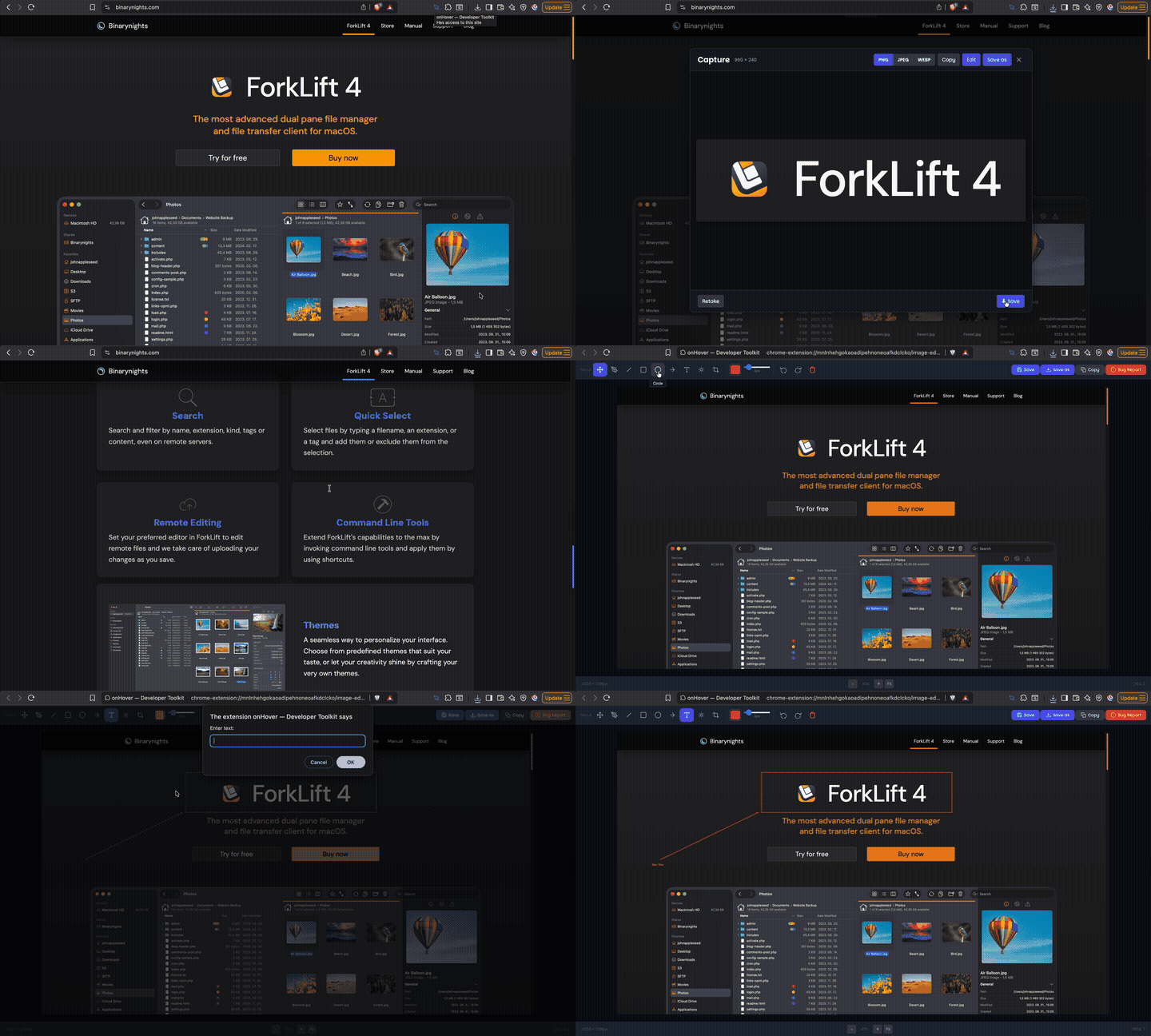
03Capture the visible viewport, full scrollable page, a specific element, or a custom area. Record any Chrome tab as a video. Edit screenshots directly with the built-in image editor before saving.
What you can do
SEO Analysis
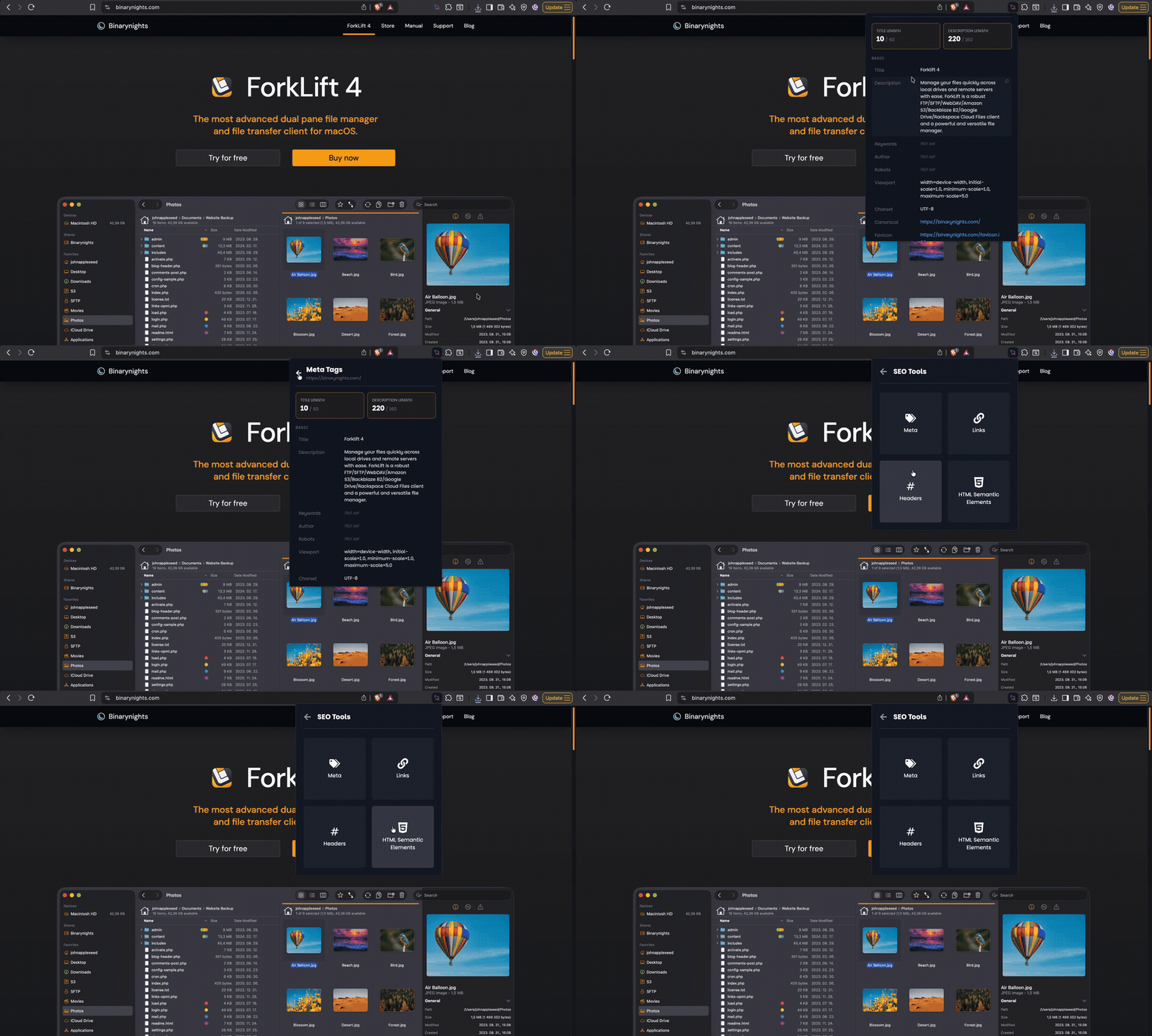
04Run an instant SEO audit on any webpage. Analyze meta tags, heading hierarchy, link structure, Open Graph data, and semantic HTML quality — all without leaving your browser tab.
What you can do
Responsive Tester
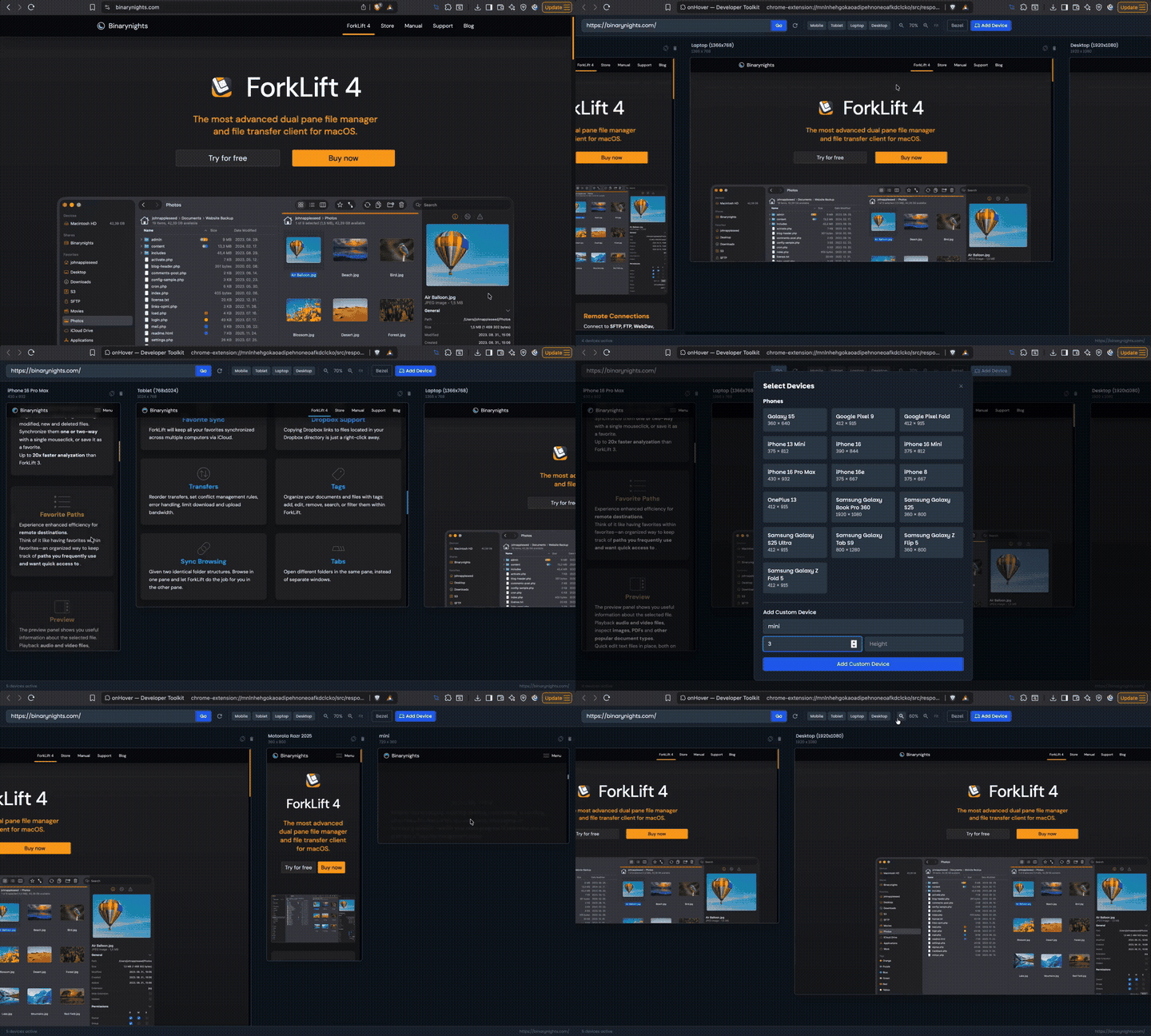
05Test any URL across dozens of real device viewports instantly. Switch between presets for phones, tablets, and desktops. Zoom in/out, rotate to landscape, and compare breakpoints side-by-side.
What you can do
Site Stack Detection
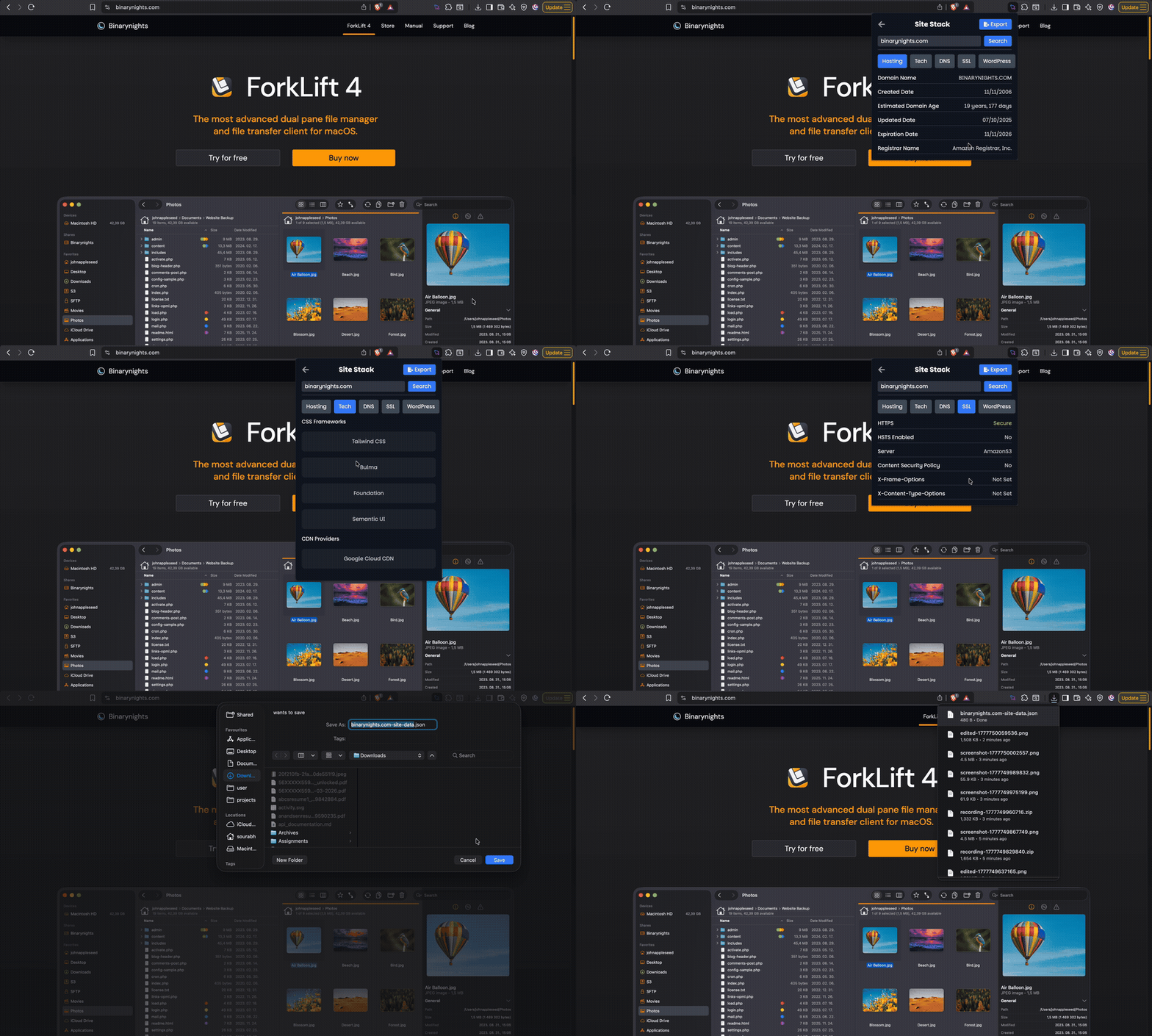
06Discover the technology behind any website in seconds. Detect the CMS, framework, analytics tools, hosting provider, CDN, SSL certificate, DNS records, and more.
What you can do
Assets Viewer
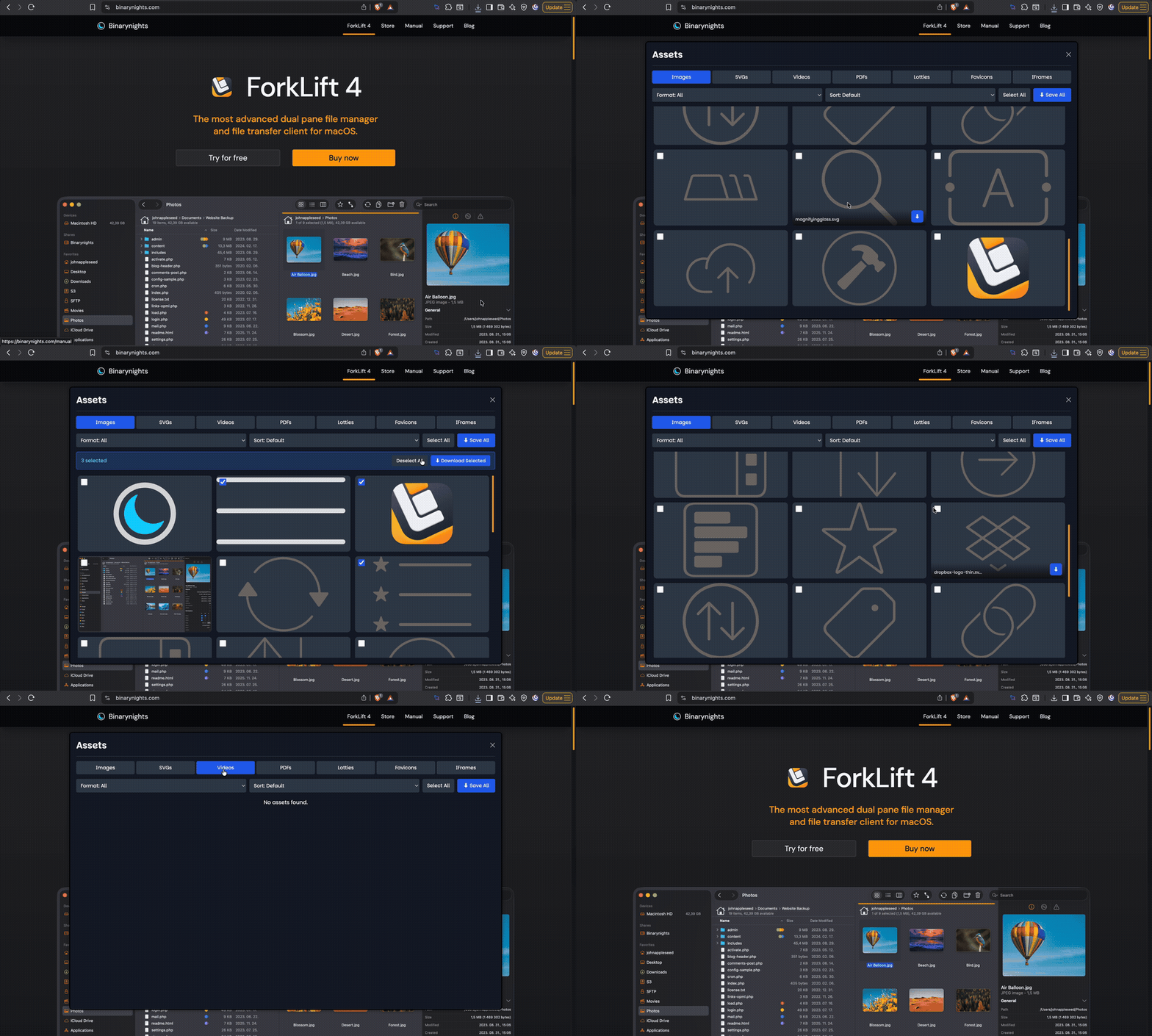
07Browse and download every asset on any webpage. Filter by type — images, SVGs, videos, PDFs, fonts, favicons — and bulk-download what you need with a single click.
What you can do
Custom Code Injection
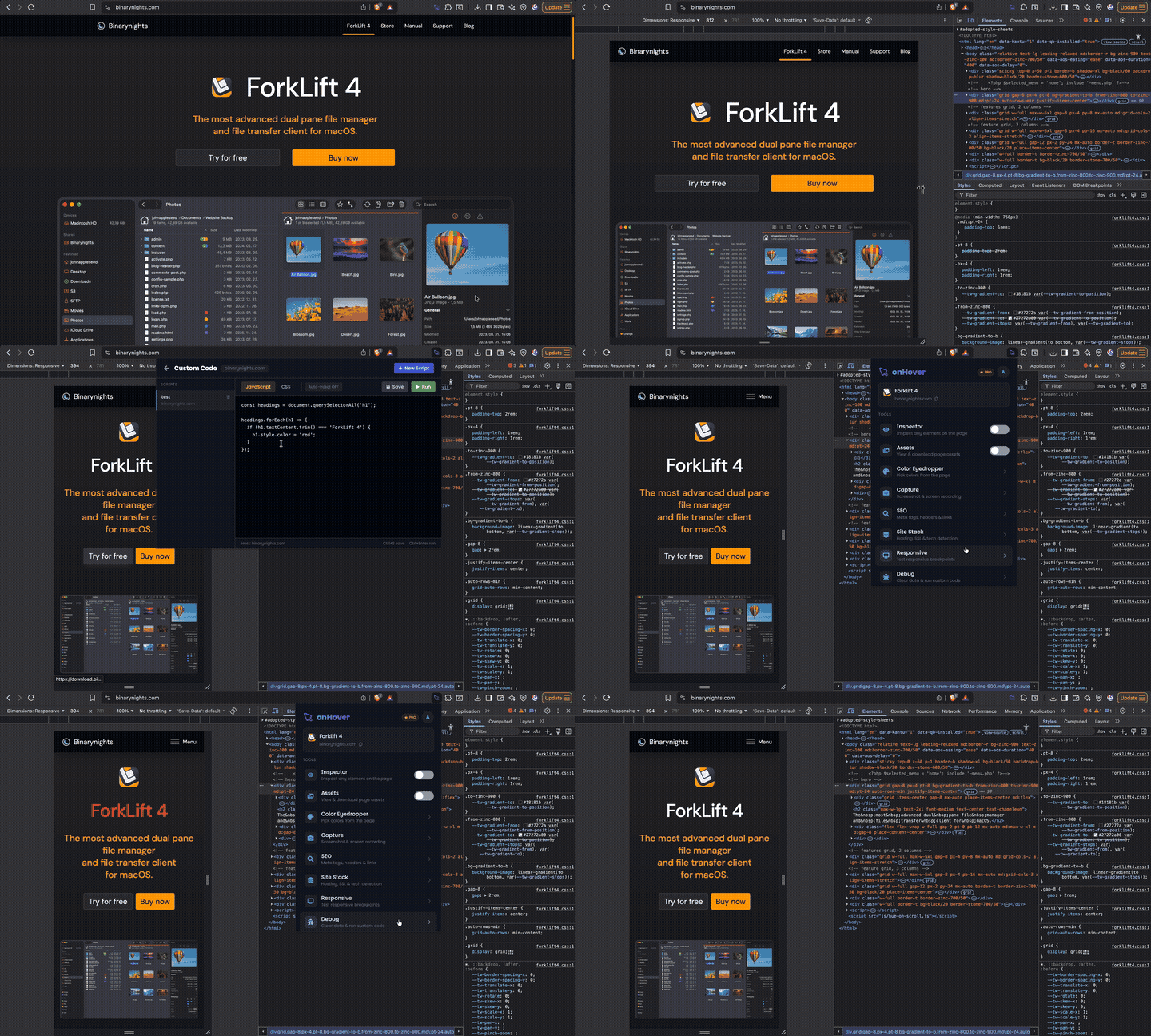
08Inject custom CSS and JavaScript into any webpage. Scripts auto-inject on every page reload and can be configured per hostname — perfect for quick prototypes and live testing.
What you can do
Page Insights
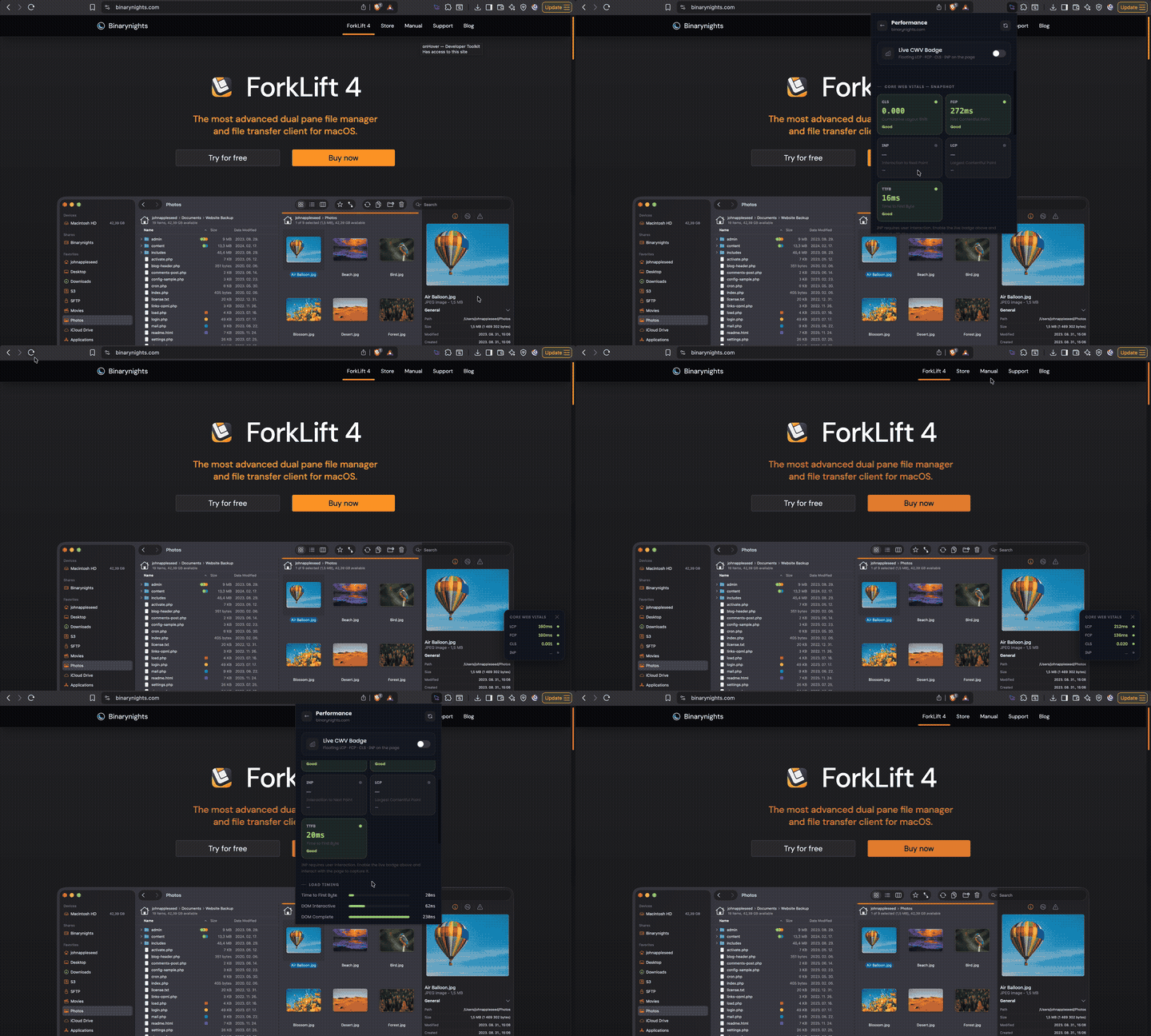
09A full in-browser performance dashboard — no DevTools needed. See a snapshot of all 5 Core Web Vitals (LCP, FCP, CLS, INP, TTFB), load timing breakdown, resource sizes by type, DOM node count, and JS heap memory. Enable the live CWV badge once — it automatically reappears on every page refresh.
What you can do
Console & Network Panel
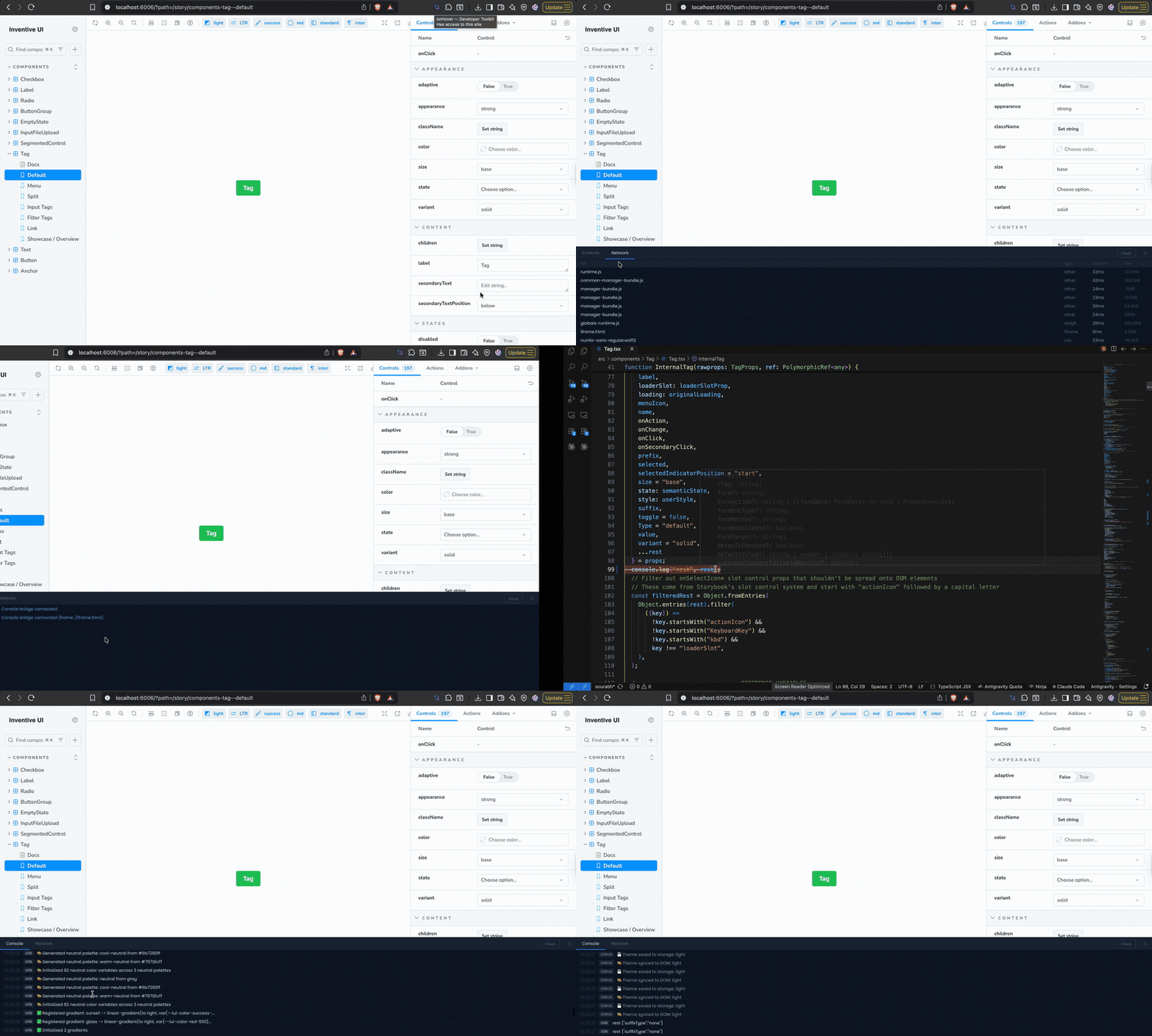
10A lightweight DevTools-style panel docked to the bottom of any page. Capture console logs from all iframes, monitor network requests with timing and size, and clear everything with one click.
What you can do
Network Throttle
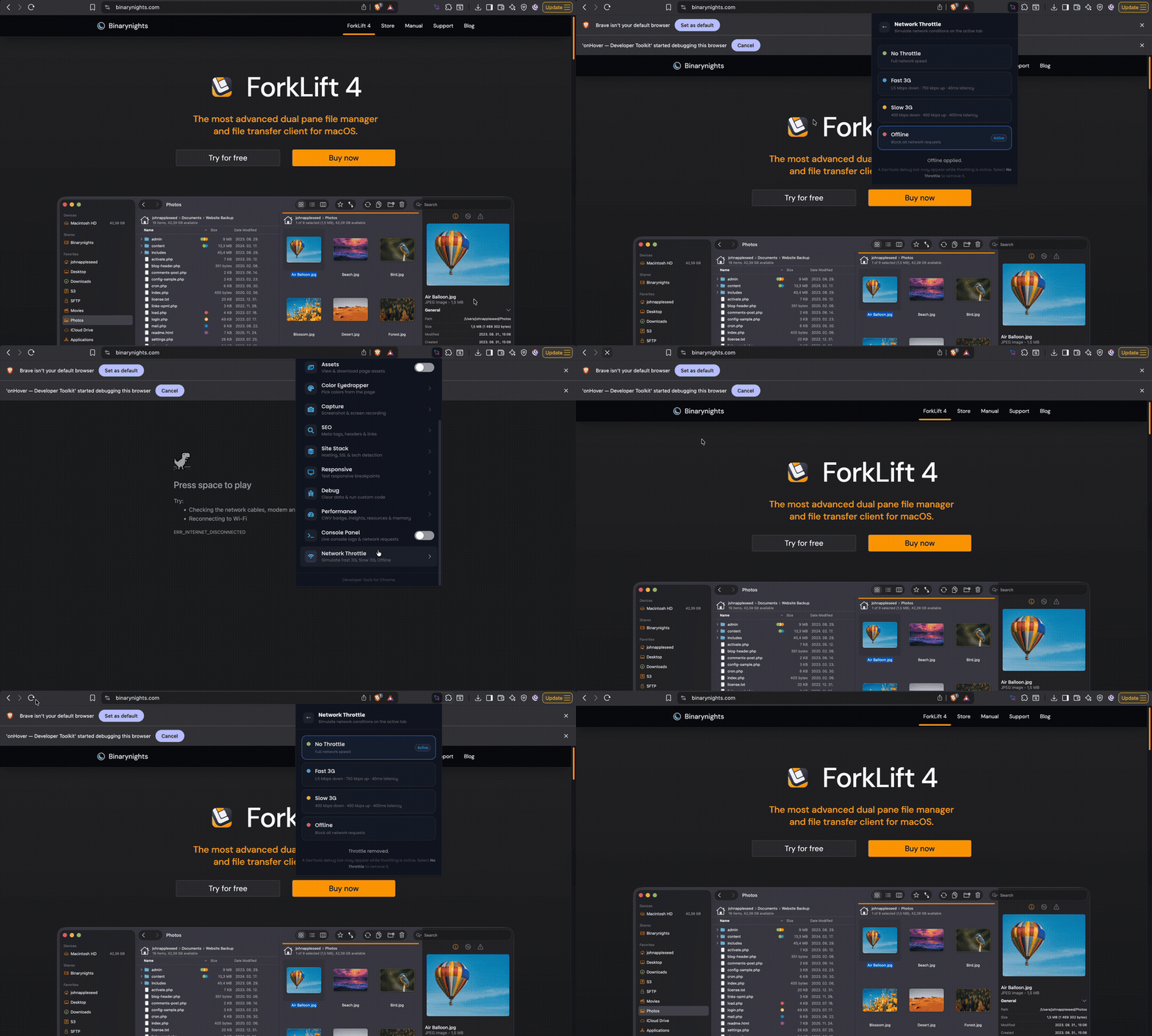
11Simulate real-world network conditions directly in the browser tab — no DevTools needed. Test your site on Fast 3G, Slow 3G, or fully Offline to find loading issues before your users do.
What you can do
API Tester
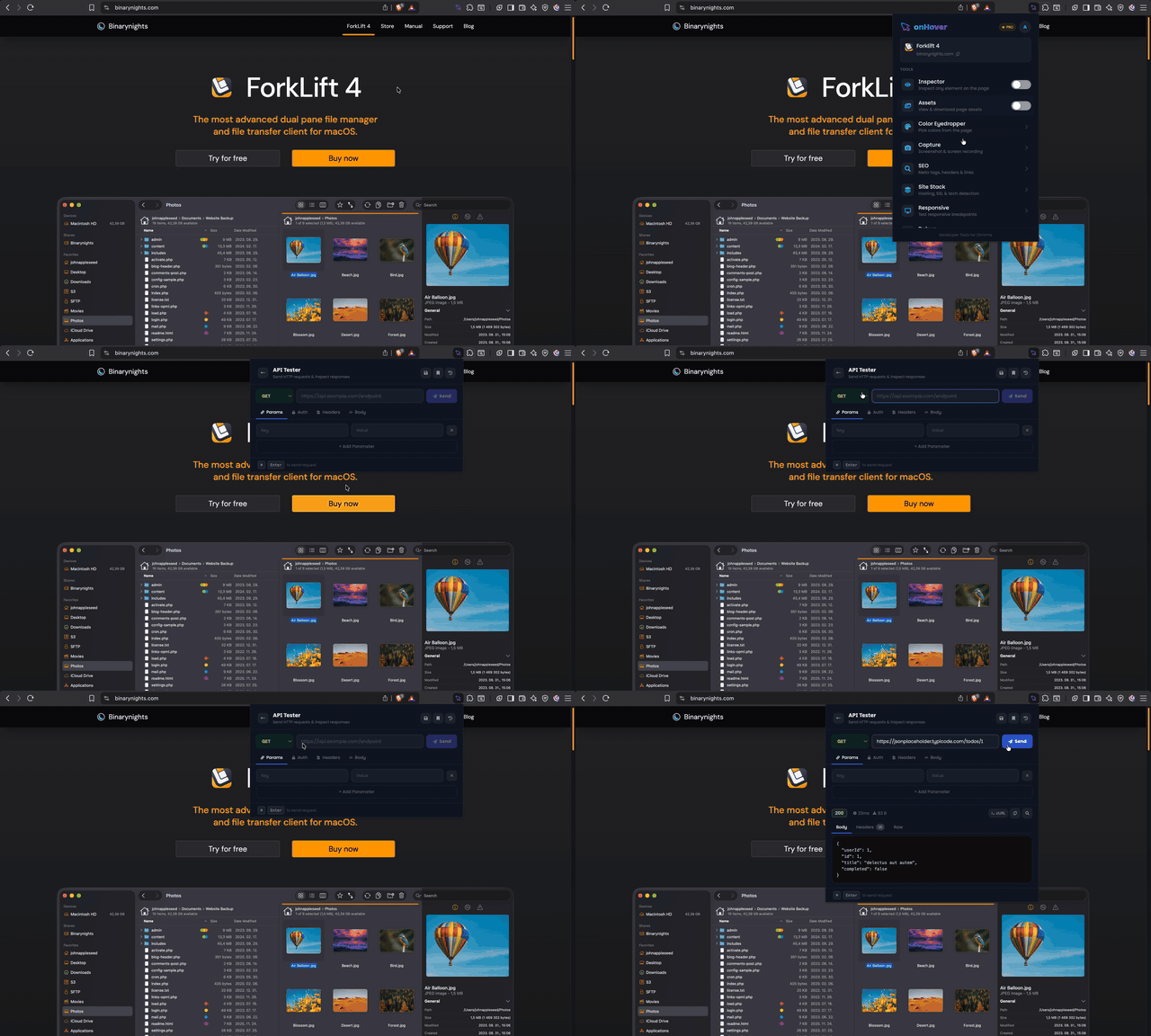
12Send HTTP requests right from the extension — no Postman needed. Supports GET, POST, PUT, DELETE with custom headers, auth tokens, request body, and a full response viewer with status, timing, and formatted JSON.
What you can do
Extract & Export
13Pull data out of any webpage and export it in the format you need. Find all emails on a page grouped by domain, capture HTML tables as CSV, and export the full page as Markdown, HTML (with or without CSS), PDF, or Word.
What you can do
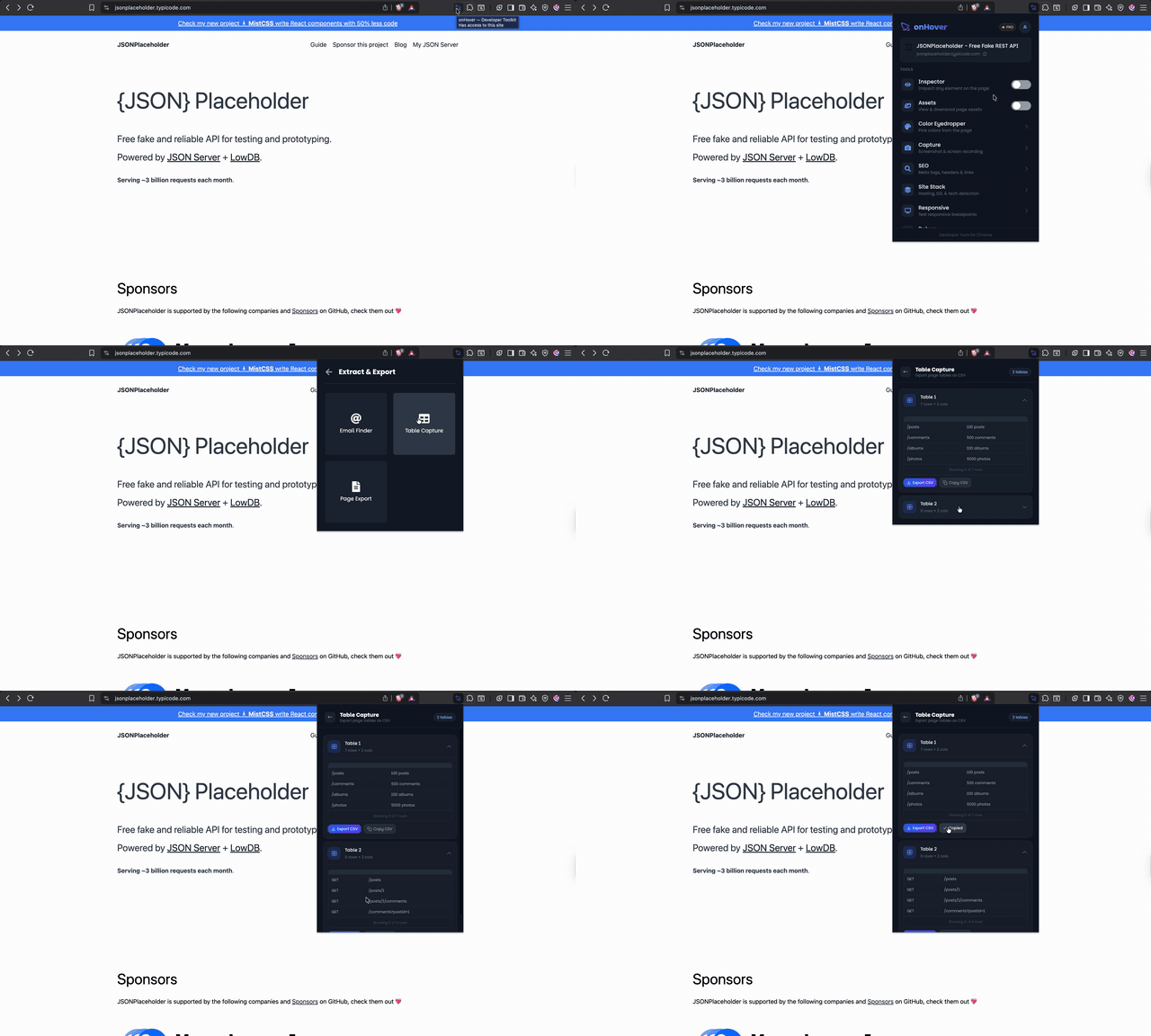
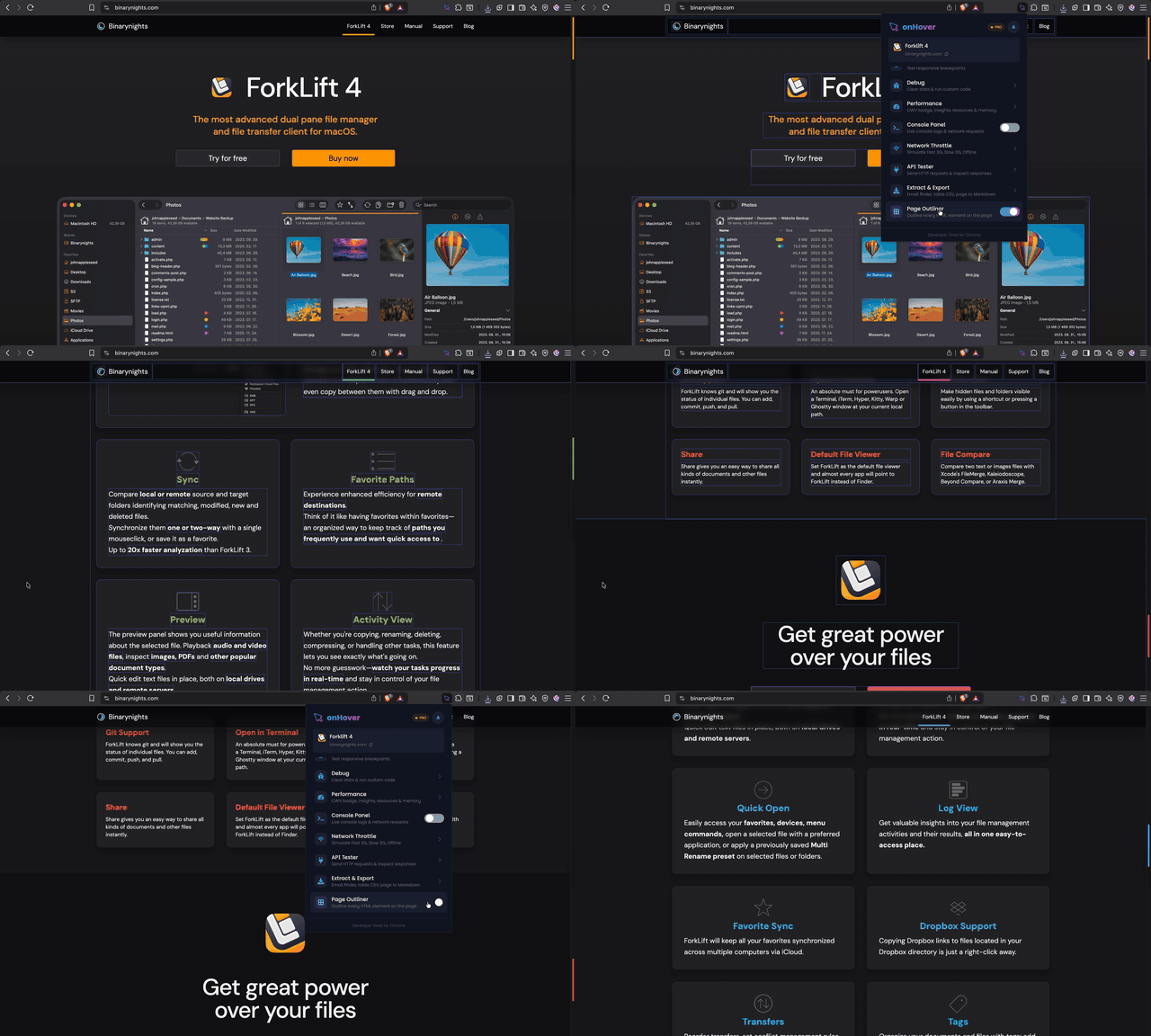
Image Outliner
14Instantly highlight every image, video, canvas, SVG, and iframe on any page with a coloured outline. Great for layout audits, spotting missing alt text, or understanding the visual structure of a complex UI.
What you can do
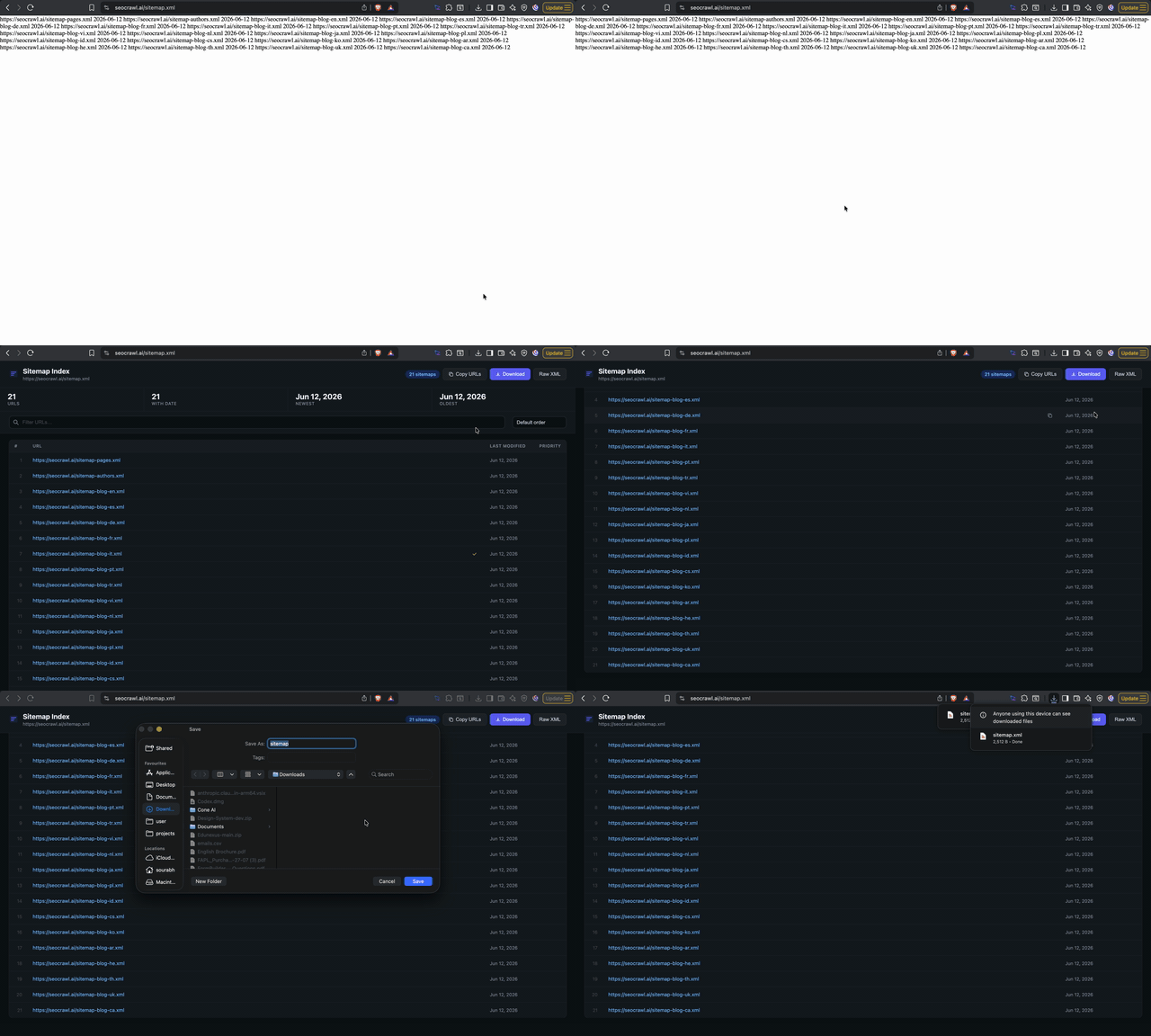
Sitemap Formatter
15Automatically detects and beautifies raw XML sitemaps in the browser tab. Transforms unreadable XML into a clean, scannable table showing URLs, last-modified dates, and priority scores — no external tools needed.
What you can do
JSON Formatter
16Instantly beautifies raw JSON responses in the browser tab with syntax highlighting and collapsible nodes. When you open any URL returning raw JSON, the formatter activates automatically so it's readable without copying into an external tool.
What you can do

Get started
All 16 tools. Completely free.
No credit card, no plan to pick. Add it to Chrome and start using every tool right away.