Zero context switching
Everything lives in a compact panel that follows your cursor. Inspect, copy, and debug without ever leaving the page you're working on.
Inspect, capture, analyze, and debug any website — without ever opening DevTools. One extension. Everything you need.
Used by developers who build the web
0+
Happy Users
0+
Dev Tools
4.9★
Avg Rating
0-day
Free Trial

div.hero-section
margin: 0 · padding: 48px 24px
Palette
Font
Inter
16px · 400 · 1.5lh
WCAG
AA Pass
7.3:1 ratio
Works on all Chromium browsers
Rated on Chrome Web Store
16 tools · one extension
No DevTools. No context switching. Hover any card to see it in action.
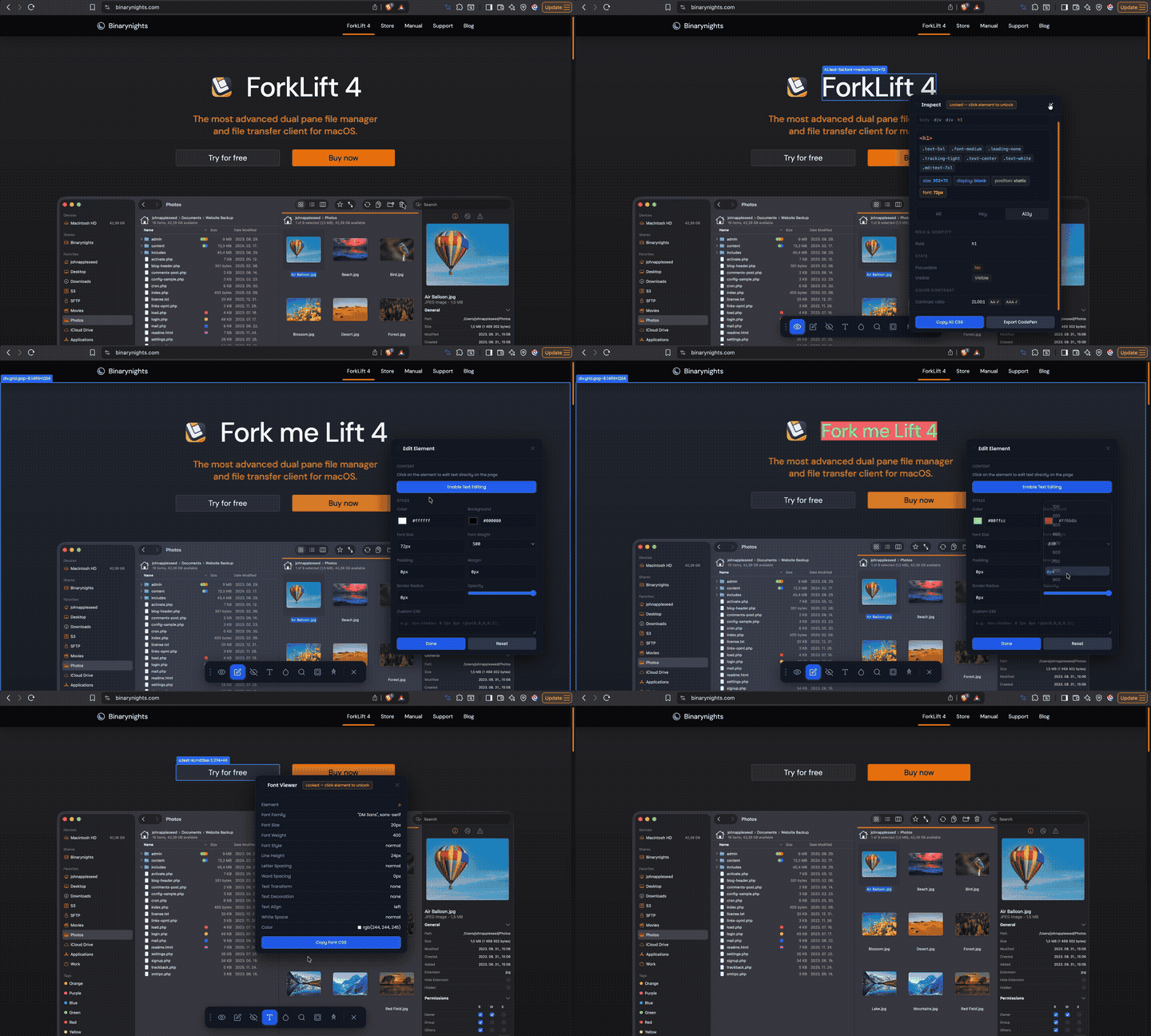
Hover over any element to inspect its CSS live, view the full box model, explore typography, search the DOM, and export directly to CodePen.
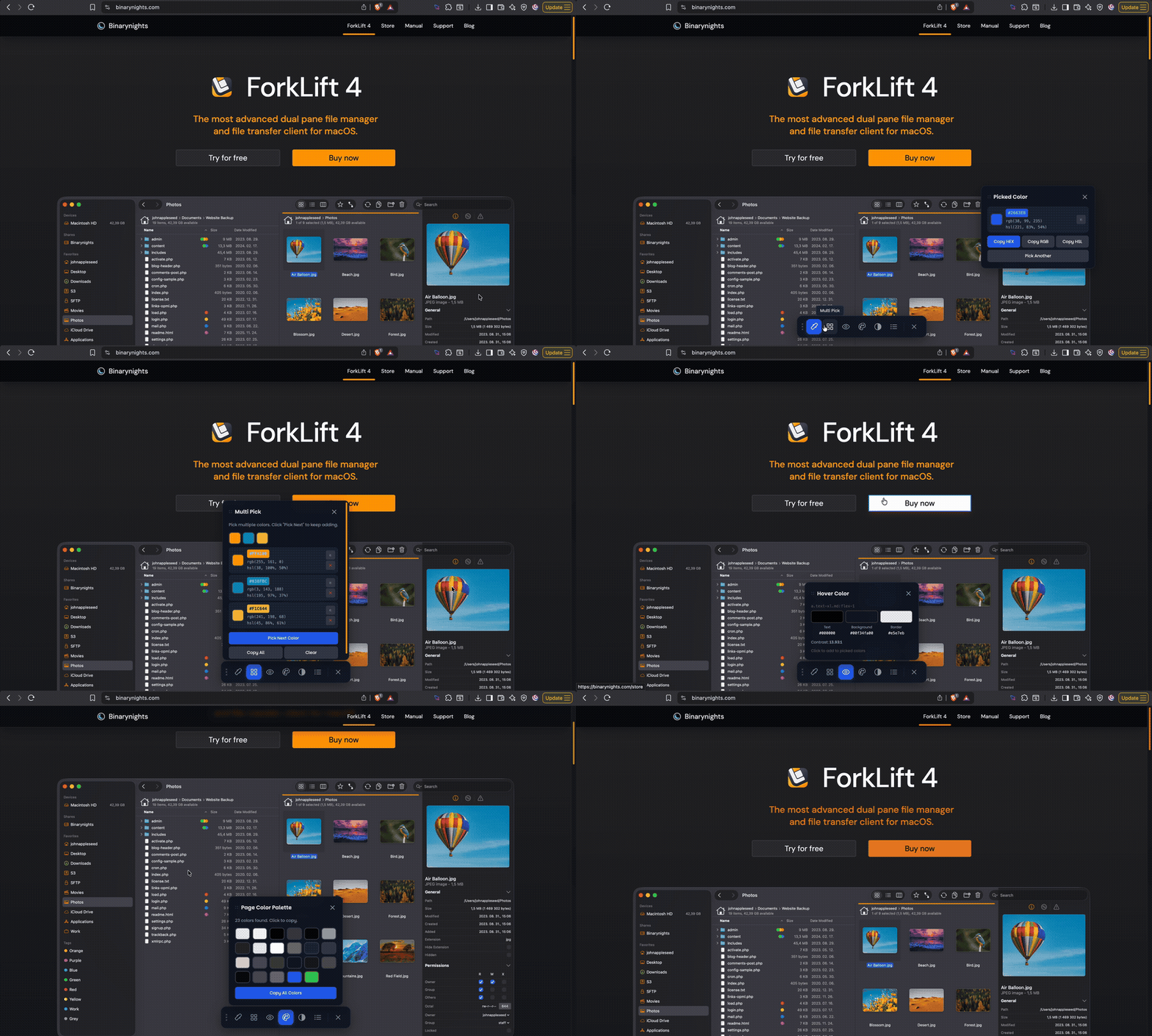
Pick any color from any pixel, extract the full page color palette, and check WCAG contrast ratios — all without leaving your current tab.
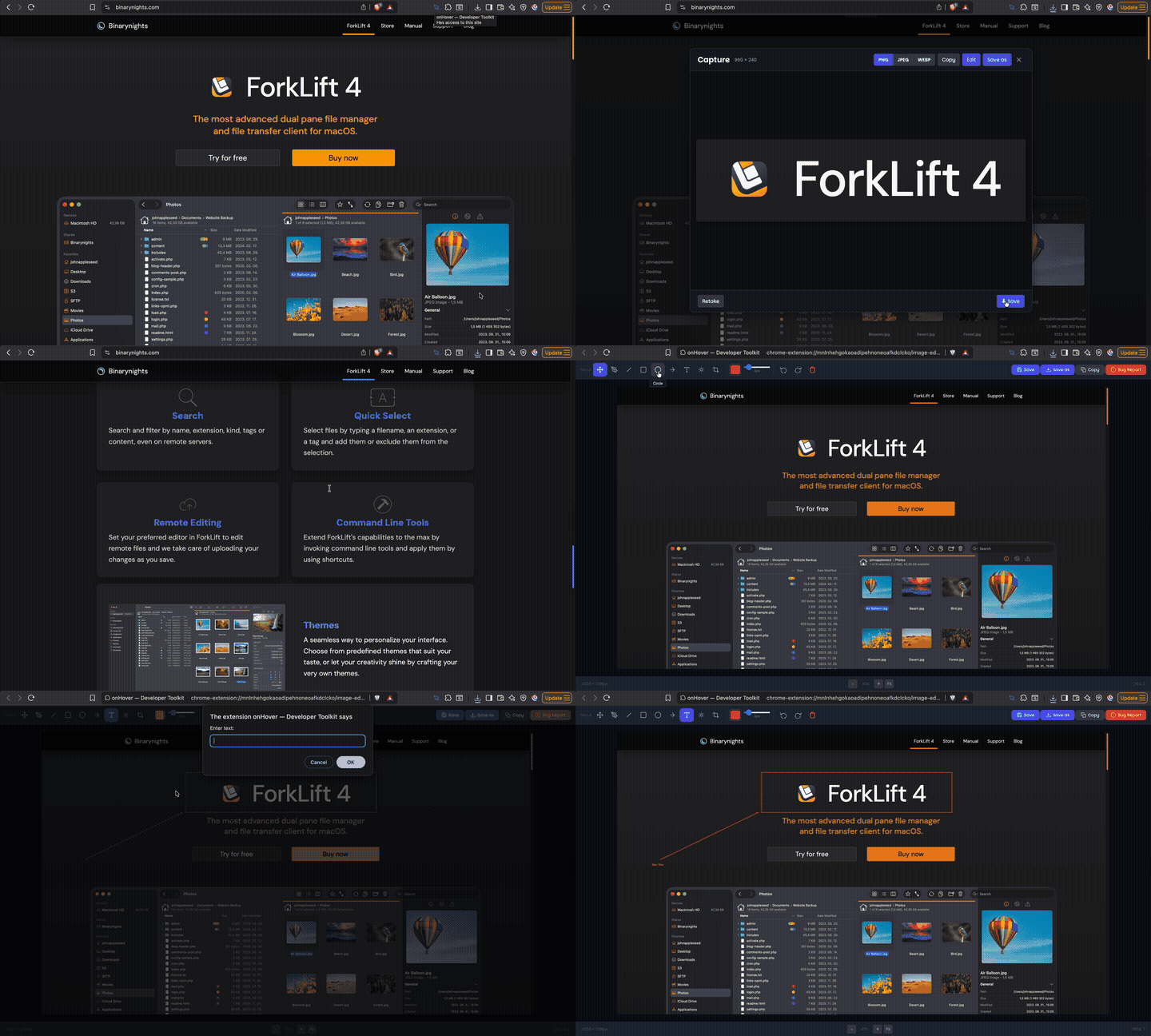
Capture the full page, a specific element, or a custom drag-to-select area. Record any Chrome tab as video, then edit screenshots with the built-in image editor.
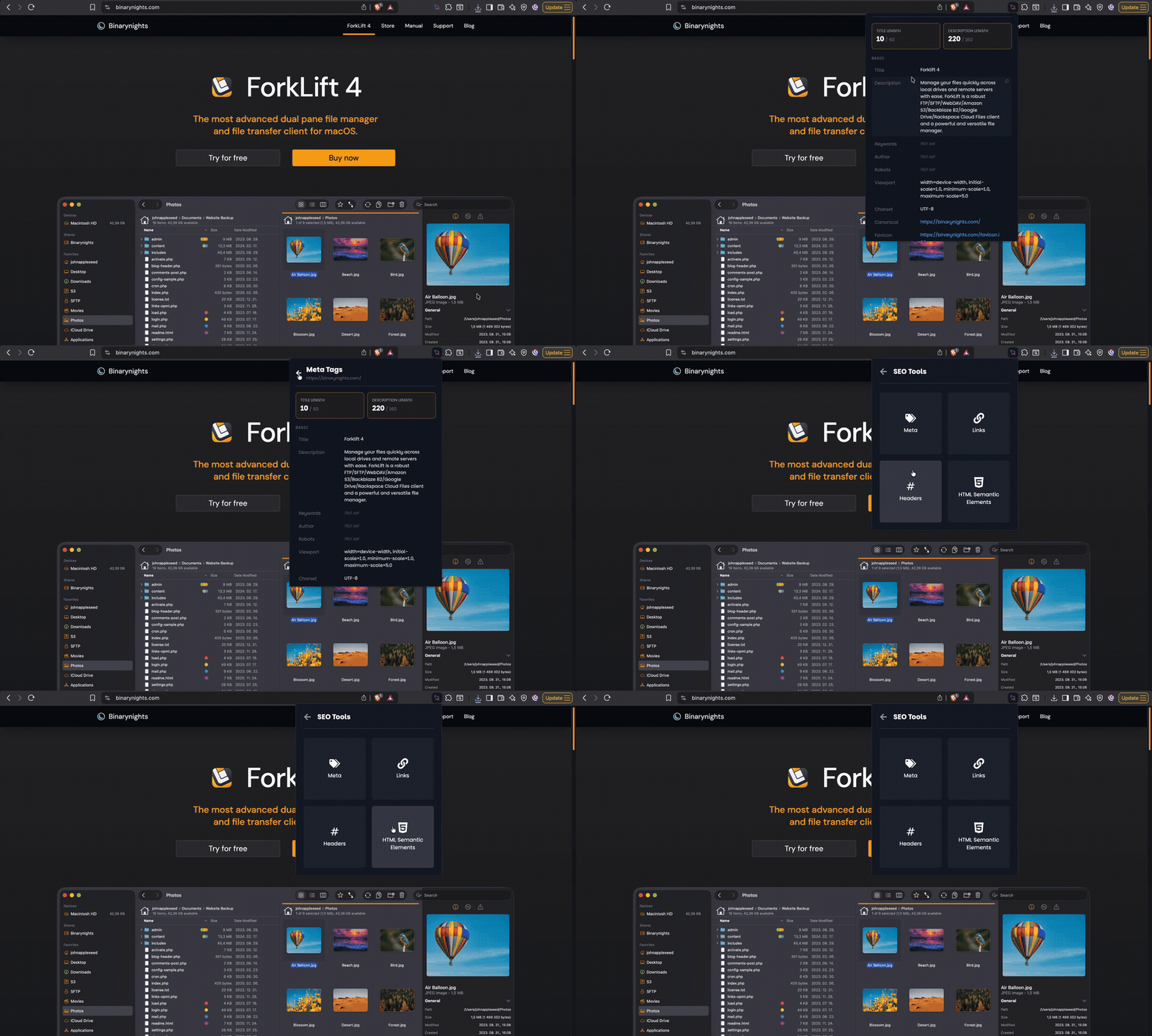
Audit meta tags, heading structure, link analysis, and semantic HTML quality in one click — instant results without switching tabs.
Test any URL across real device viewports instantly. Use quick presets for phones, tablets, and desktops, with zoom and rotation controls built in.
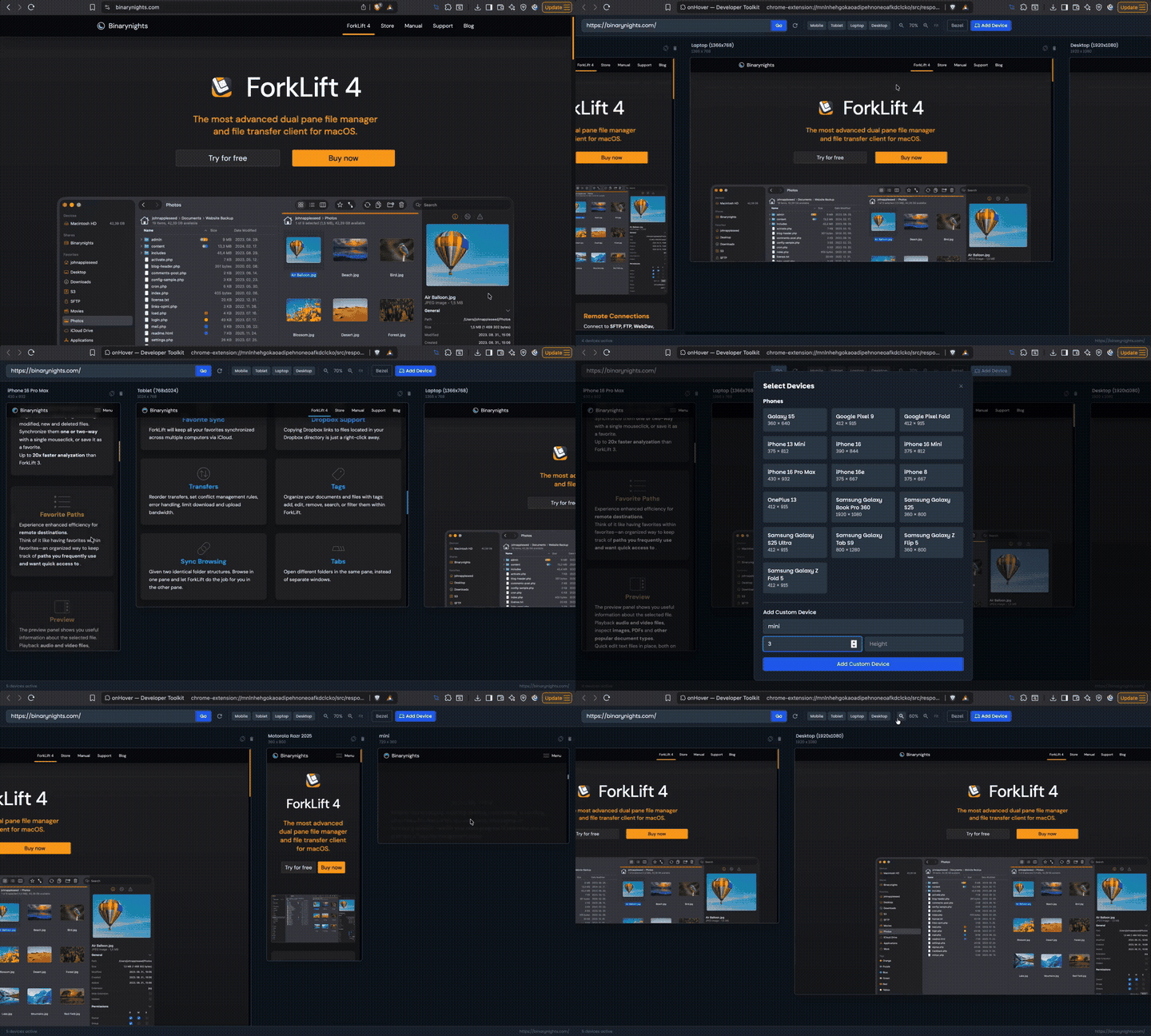
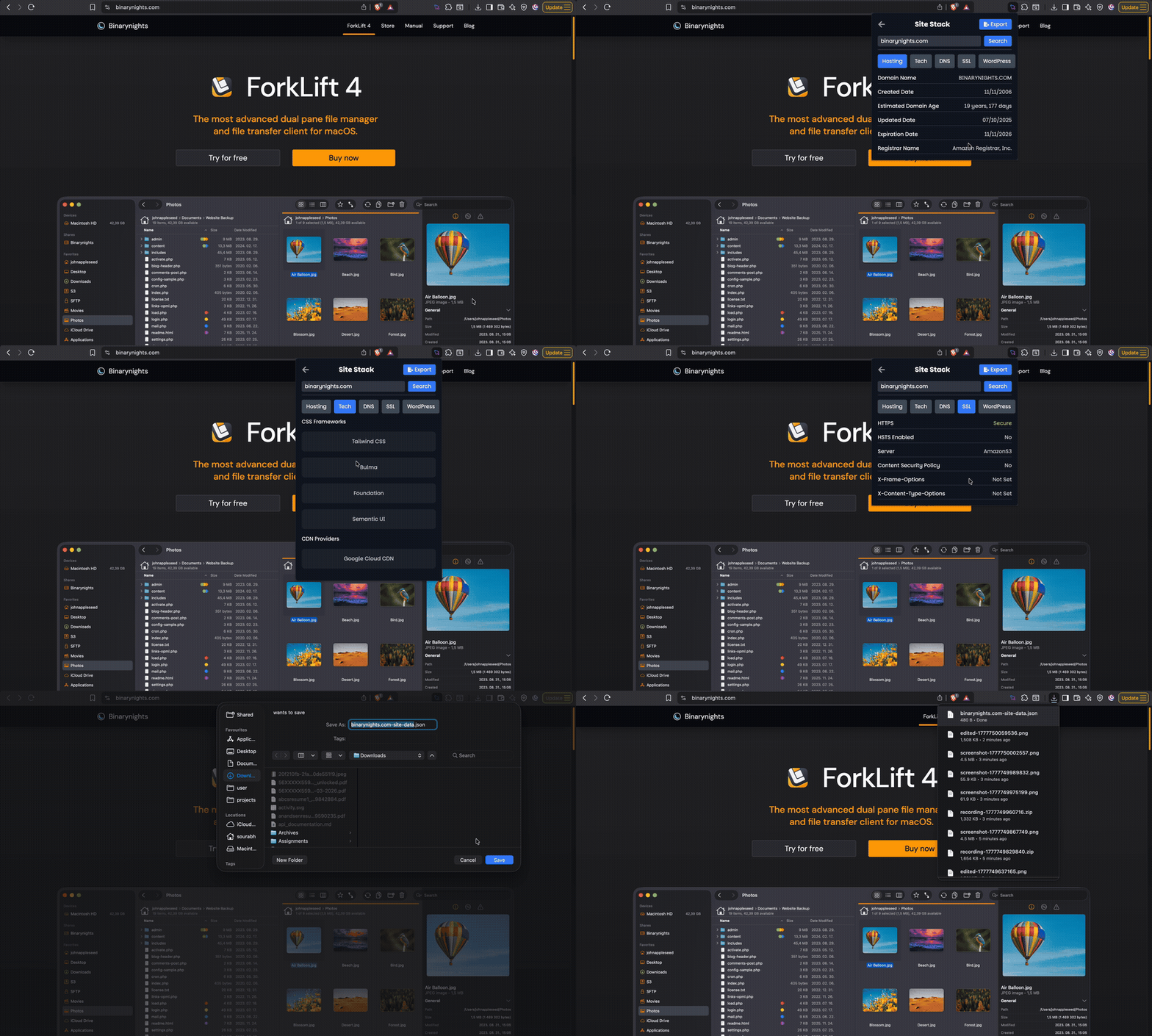
Detect the hosting provider, CDN, SSL configuration, and full tech stack of any website in under 2 seconds — no DevTools required.
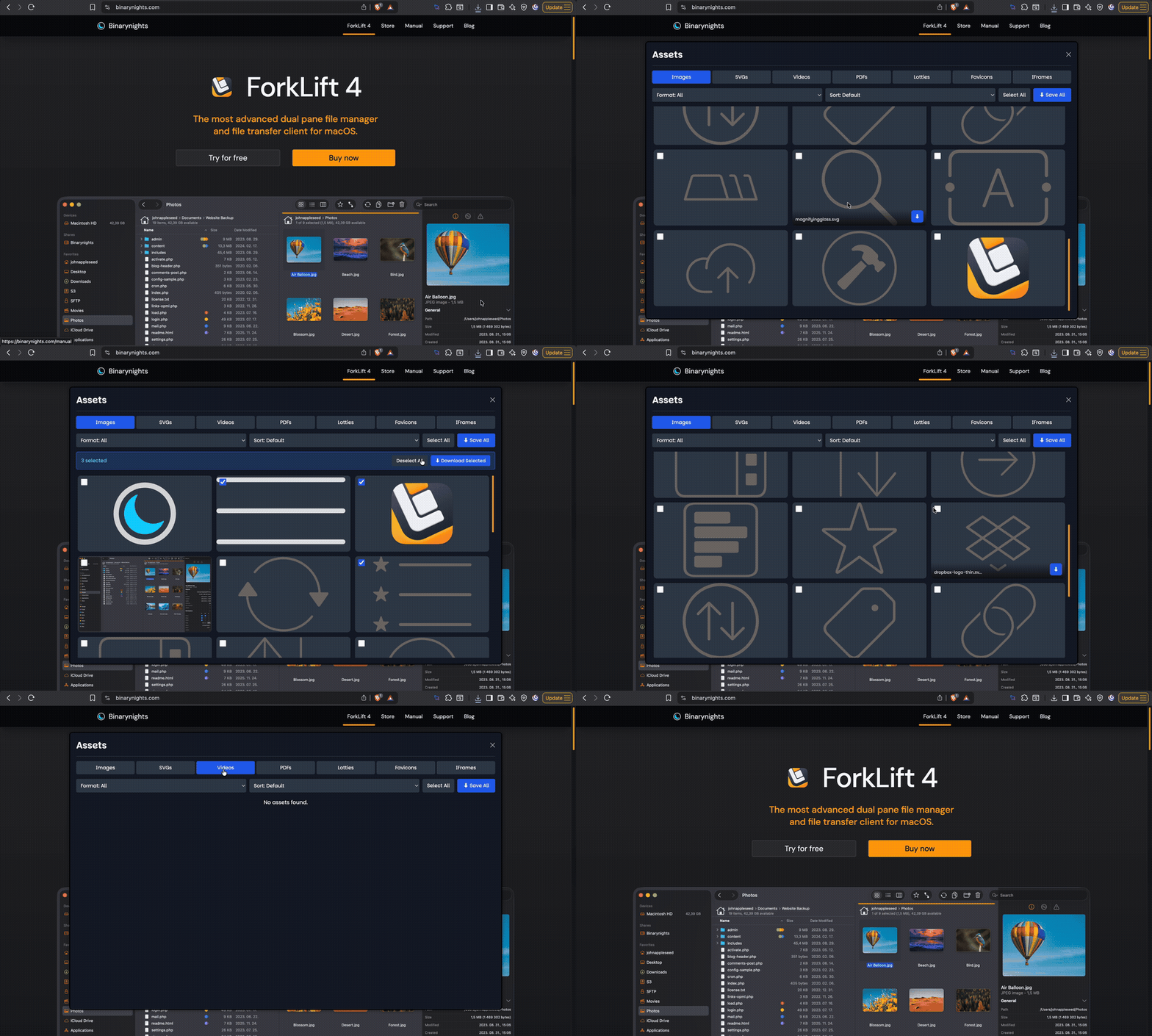
Browse, filter, and download every image, SVG, video, PDF, and favicon from any page — including assets loaded from CDNs and shadow DOM.
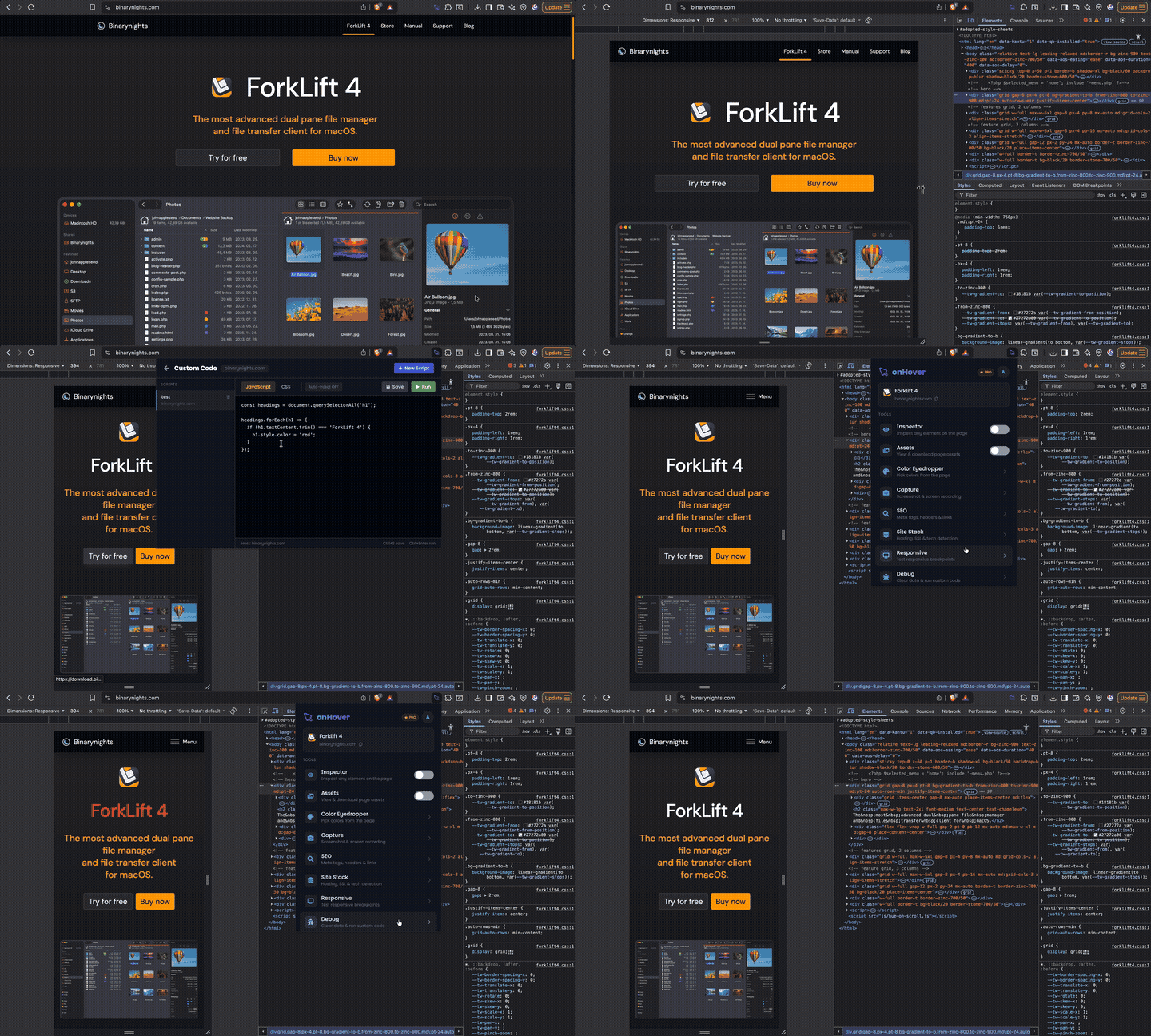
Inject custom CSS and JavaScript into any page instantly. Enable auto-inject to persist your code across reloads, scoped per host so each site has its own scripts.
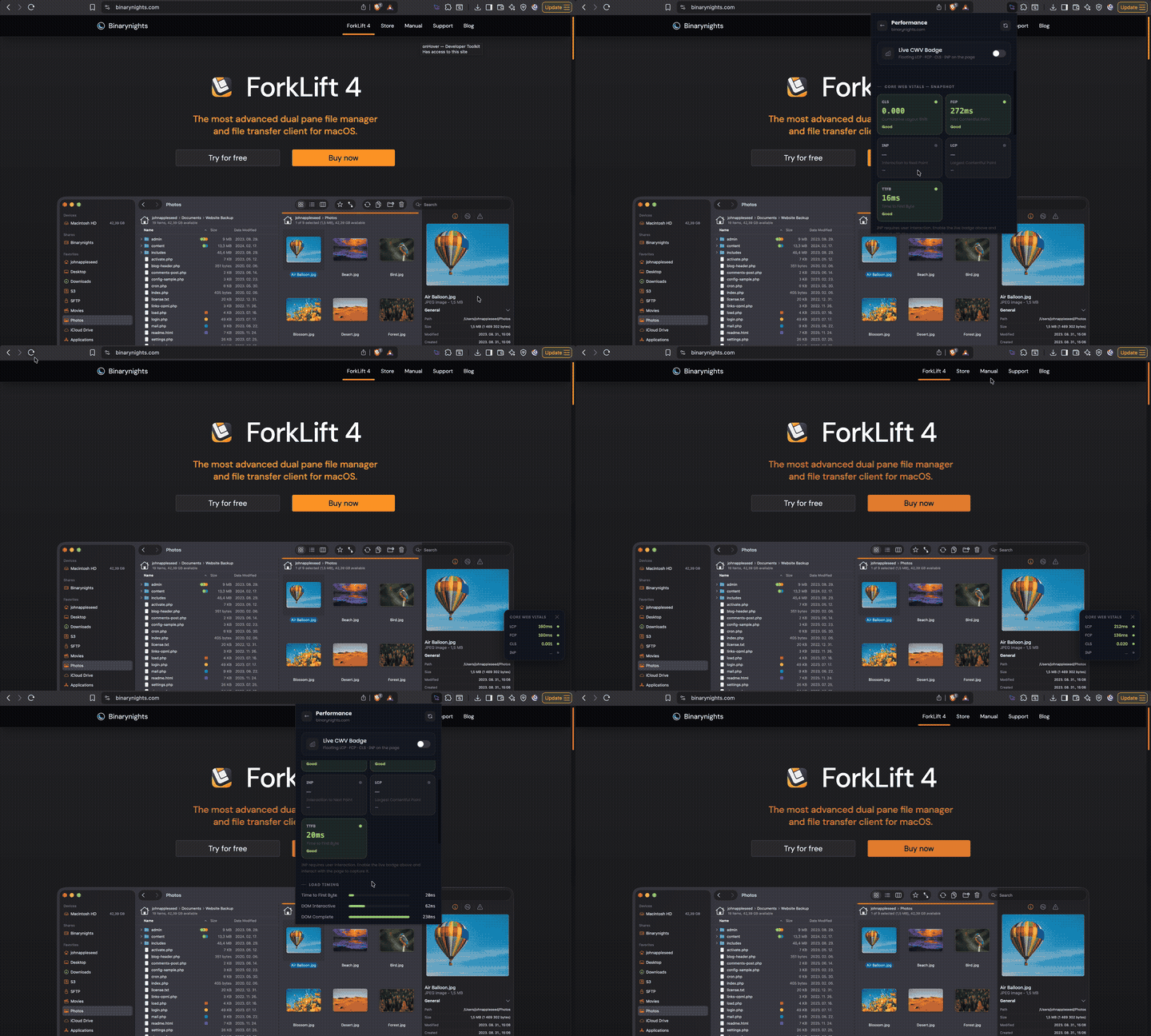
Full Core Web Vitals dashboard: LCP, FCP, CLS, INP, TTFB, resource breakdown, DOM health, JS memory.
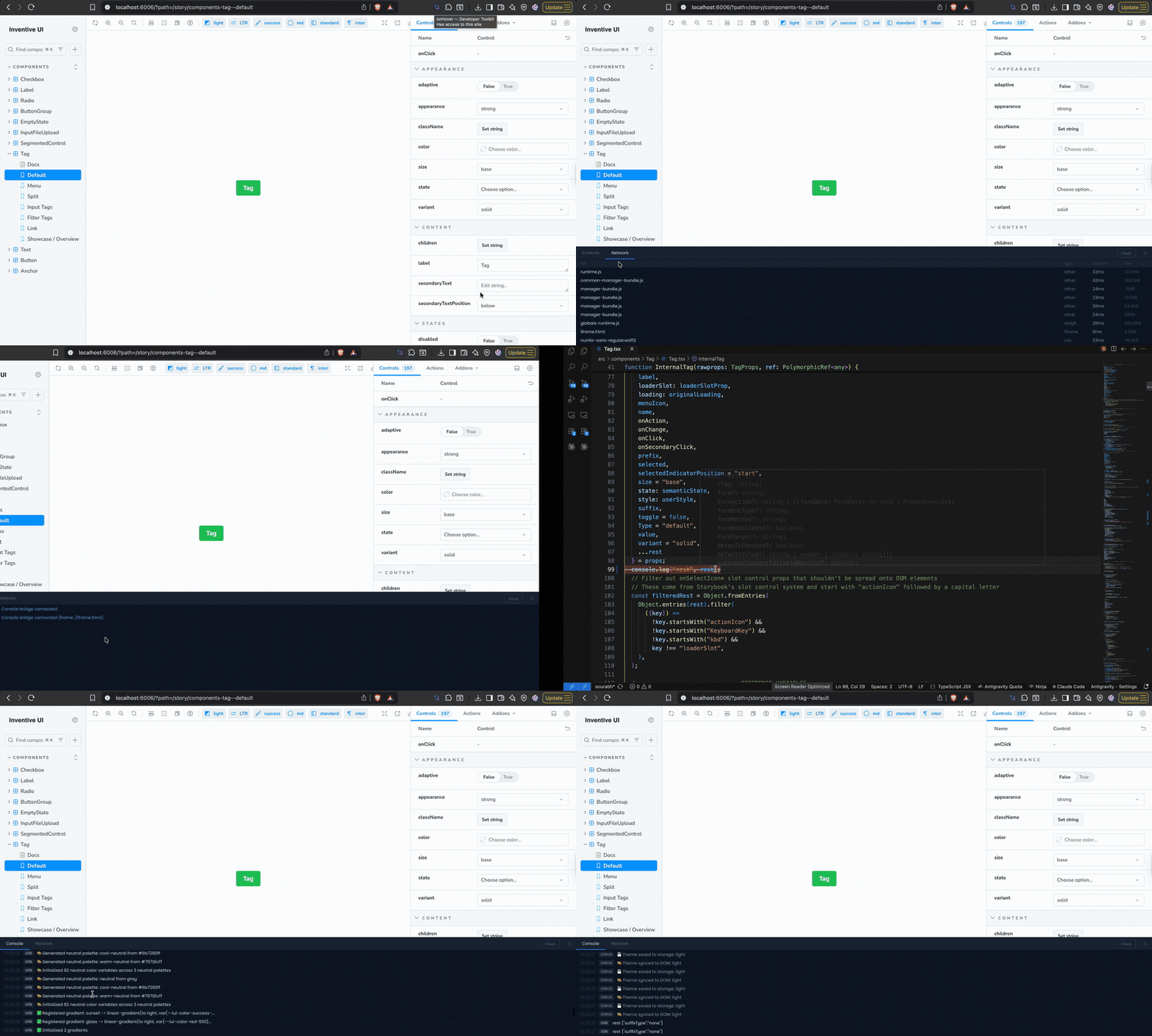
DevTools-style panel docked to the page. Capture logs from all iframes and monitor network requests with timing.
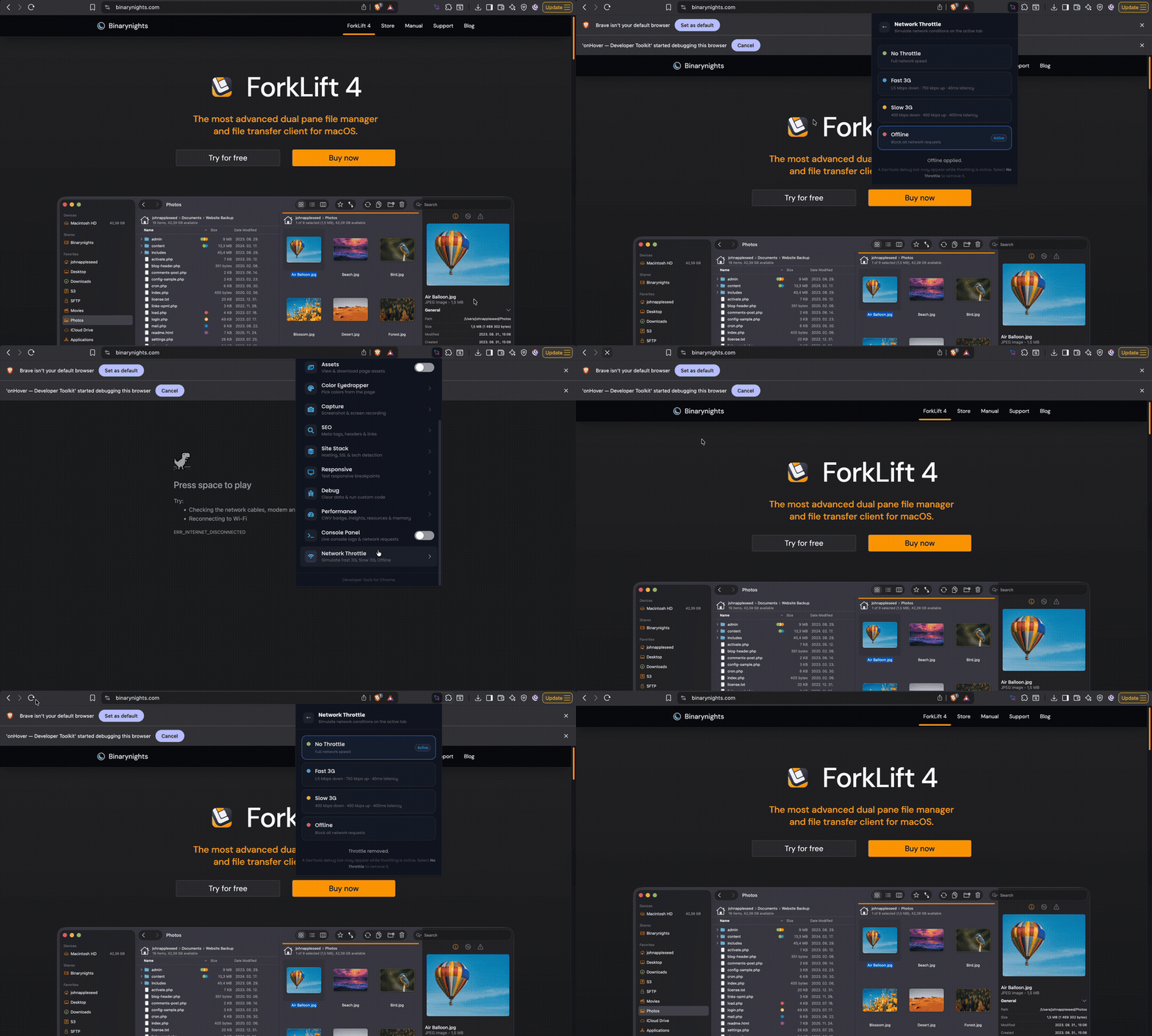
Simulate Fast 3G, Slow 3G, or Offline in one click. Test real-world loading without opening DevTools.
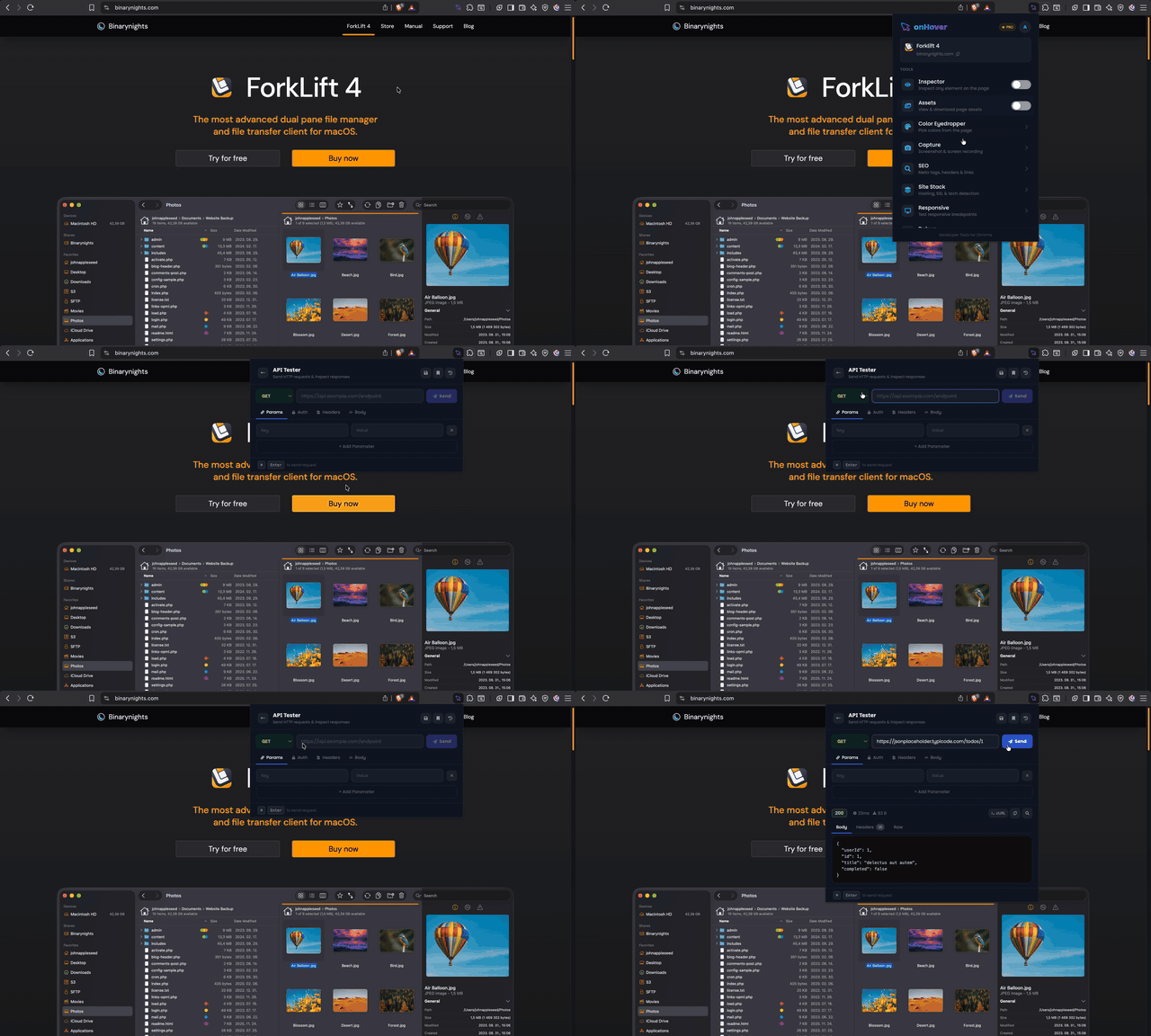
Send HTTP requests right from the extension. Supports GET, POST, PUT, DELETE with custom headers, auth, body, and a full response viewer.
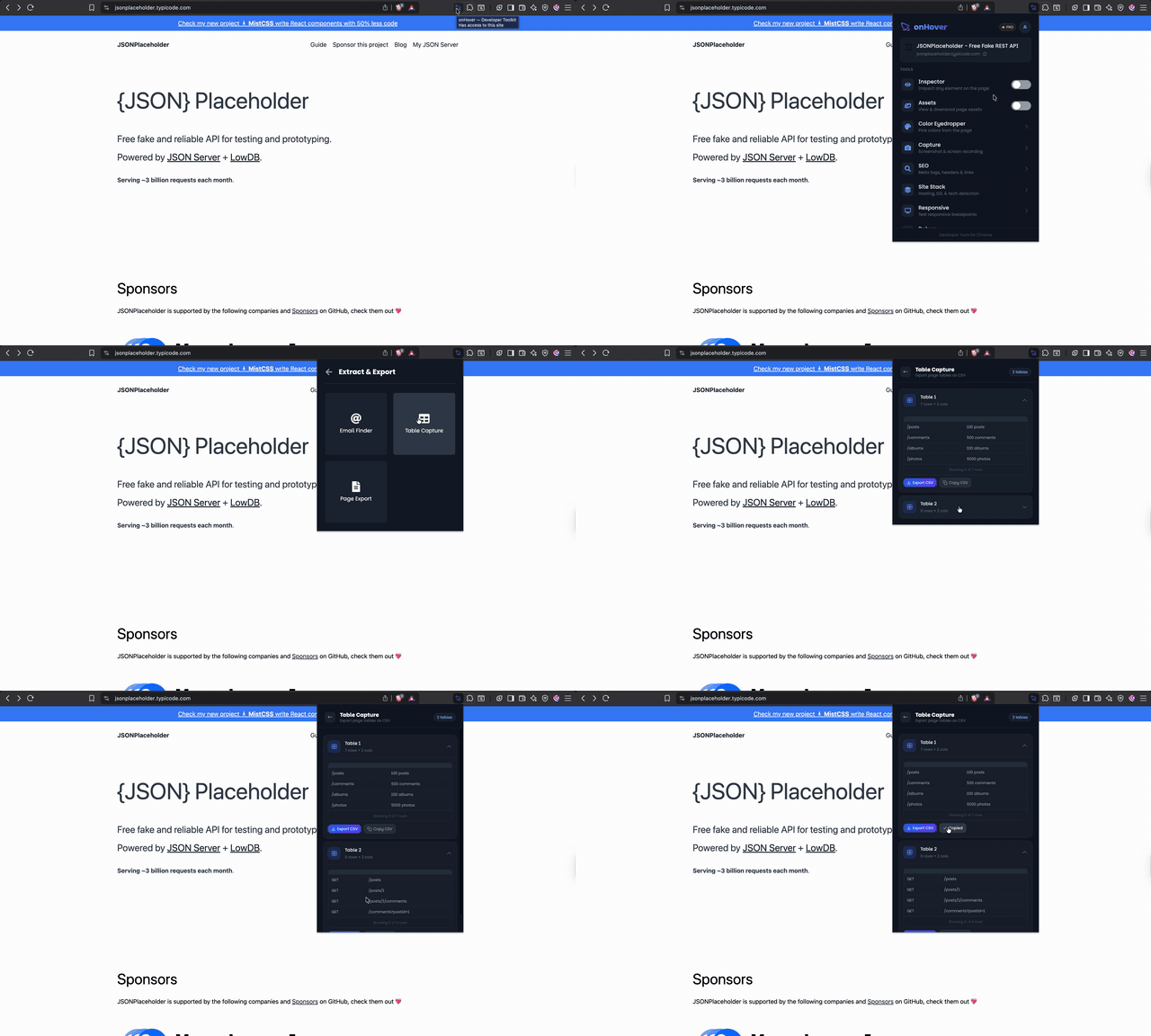
Find all emails on a page, capture tables as CSV, convert any page to Markdown, HTML, PDF or Word — all in one click.
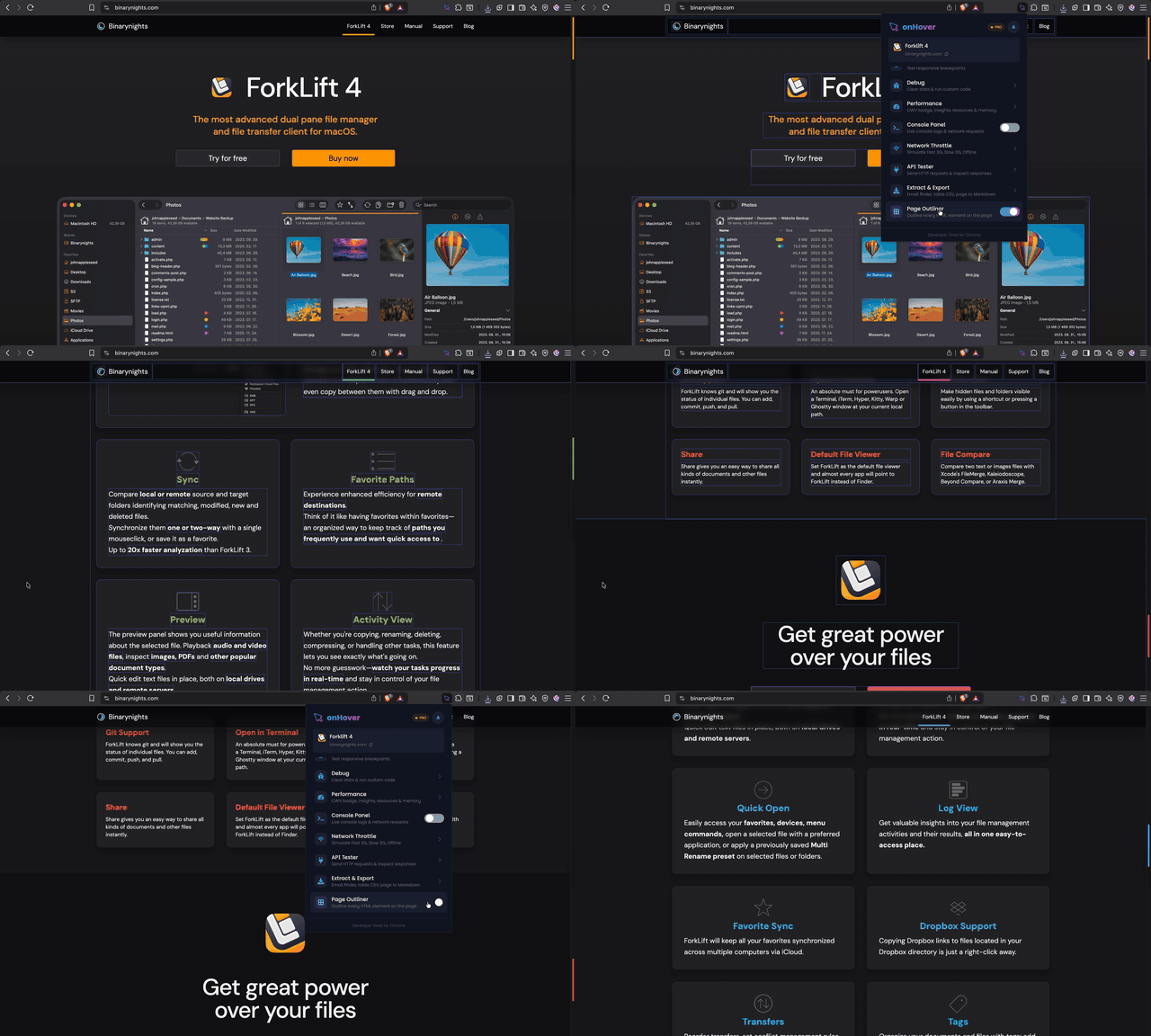
Instantly highlight every image, video, canvas, SVG and iframe on the page with a coloured outline — great for layout audits.
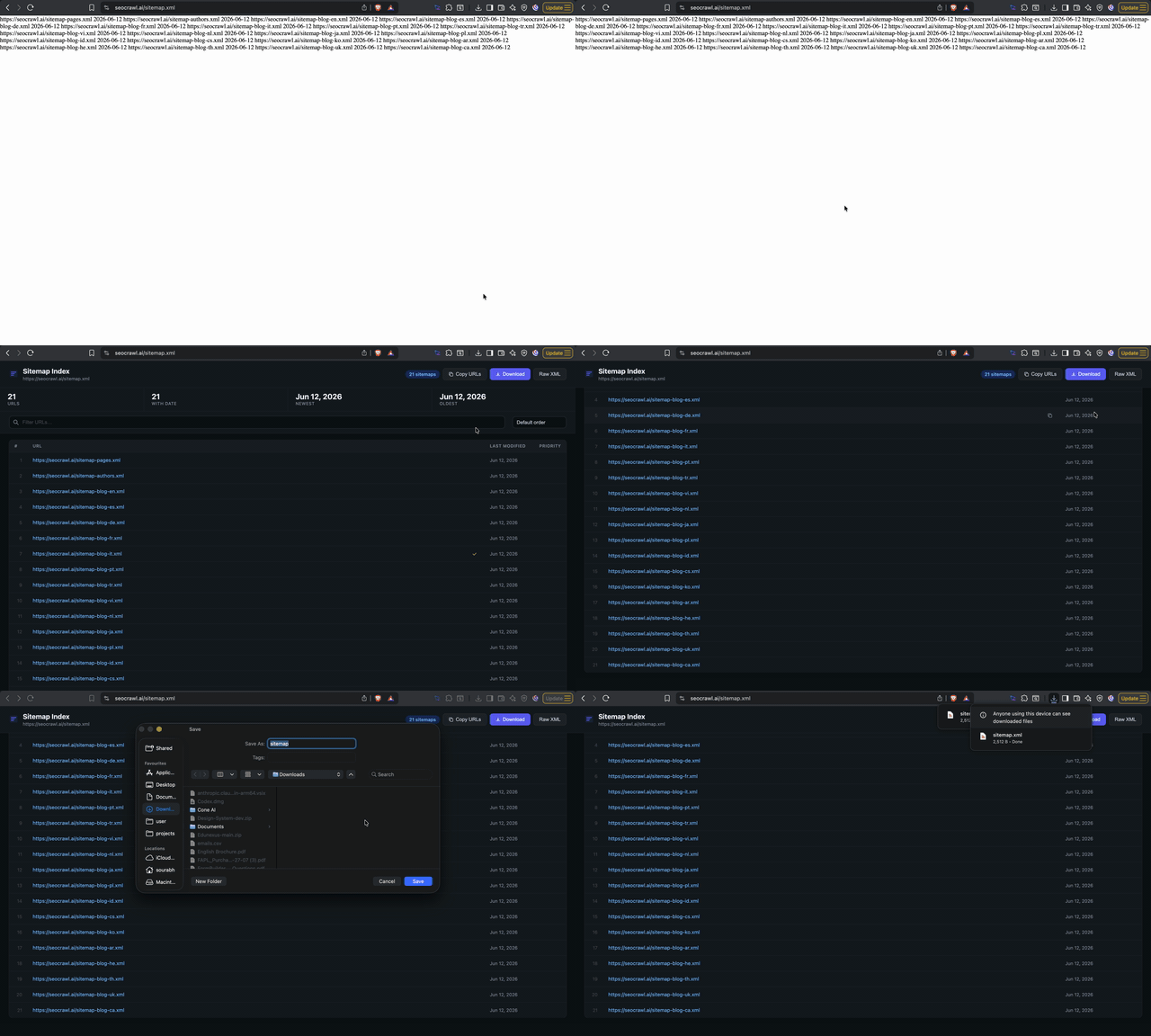
Auto-detects XML sitemaps and renders them as a clean table with URLs, last-modified dates, and priority scores — instead of raw XML.
Automatically beautifies raw JSON responses in the browser — syntax highlighted, collapsible nodes, and copyable. Works on any URL returning JSON.

14 developer tools — CSS inspector, screenshots, SEO auditor, and more — unified in one panel.
No account required
How it works
From install to inspecting your first page in under 2 minutes.
Add onHover to Chrome from the Web Store. One click install, no account needed.
Enter your email, license key, and name your device inside the extension.
Every tool is ready. Inspect, capture, and analyze any website instantly.
Why onHover
onHover eliminates the friction between spotting an issue and fixing it. No more opening DevTools for every small task.
Everything lives in a compact panel that follows your cursor. Inspect, copy, and debug without ever leaving the page you're working on.
Stop juggling separate extensions. CSS inspector, color picker, screenshot tool, SEO auditor, API tester, email finder, responsive tester and more — unified in a single extension.
No allow-listing, no configuration. onHover works instantly on any website — production, localhost, staging, even behind auth walls.
Tasks that took 5 minutes in DevTools take 10 seconds in onHover. Our users report saving 30–60 minutes daily on inspection, debugging, and QA.
Frontend developer, UX designer, full-stack engineer, or QA tester — onHover has dedicated tools that fit how you actually work.
The panel is injected cleanly and doesn't modify your page's DOM or styles. What you see is exactly what your users see.
Built for your role
onHover adapts to your workflow — whether you're writing code, designing interfaces, or optimizing for search.
Stop opening DevTools for every small task. Inspect, debug, and test without leaving the page.
Pick colors, check contrast, inspect CSS, and capture screenshots — all without switching apps.
Audit meta tags, Core Web Vitals, and structured data on any page — including staging and authenticated URLs.
Comparison
The same tasks, done dramatically faster.
Without onHover
Manual, fragmented, slow
With onHover
Instant, unified, effortless
Press F12, find the element in DOM tree
Hover element → instant CSS panel
Switch between 4–6 separate extensions
16 tools in one unified panel
Open a contrast checker website manually
WCAG check inline in color picker
Install a screenshot extension separately
Full-page & element capture built in
Google the tech stack of every site
One-click stack detection & SSL audit
Throttle network through DevTools network tab
Network throttle toggled in 2 clicks
Testimonials
Hear from engineers and designers who use onHover every day.
"onHover replaced 4 separate tools I was using. The element inspector alone saves me 30 minutes every day. Absolutely essential."
Alex M.
Frontend Engineer
"The color eyedropper with WCAG contrast check is a game-changer. I can audit accessibility directly in the browser without switching tools."
Priya S.
UI/UX Designer
"Stack detection and SEO audit in one click? Sold. I use this on every client site before starting a project. Saves hours of research."
James K.
Full Stack Developer
"Screenshot and record feature is perfect for bug reports. Full page capture, video recording — everything my team needs in one place."
Sara L.
Product Manager
FAQ
Everything you need to know before getting started.
A license key unlocks onHover Pro on one device. Each key is tied to one browser profile. You can deactivate and reassign it from your dashboard anytime.
Each license covers one device. You can purchase multiple licenses or deactivate and move your license between devices from the dashboard.
The extension stops working after expiry. Your data and license history are preserved. You can renew anytime and pick up where you left off.
Yes — every new account gets a 7-day free trial with full access to all 16 tools. No credit card required.
onHover is a Chrome extension and works on any Chromium-based browser — Chrome, Edge, Brave, Arc, and more.
Yes. We offer refunds within 7 days of purchase if you are not satisfied. See our refund policy for details.
From the blog
Practical guides on CSS, debugging, performance, and more.
Most developers run 5–7 separate tools for things that should be one workflow. Here is how one Chrome extension covers all of it — and why that actually matters.
Chrome's Inspect Element is powerful but slow for everyday tasks. onHover now covers CSS inspection, DOM tree, JS debugging, CPU profiling, memory snapshots, SEO, screenshots and more — all without opening DevTools.
Both Hoverify and onHover put developer tools into a Chrome extension popup. But they solve different problems for different workflows. Here is how they compare.
100% free · No card required
Every tool you need to inspect, debug, and analyze any website — one extension, one click away.
onHover
Developer Toolkit
Add to Chrome
14 tools · Free